Online booking for private practices
Your own booking link or the interface embedded in your website shows the practice's schedule. The patient can choose from the available visit types and then review the booking terms.
Choose how you'd like to sign in.
Continue as guestYour bookings, passes and reviews in one place. → Log in as a providerManage your bookings, calendar, and clients. →First visits, follow-ups, and consultations on a transparent booking interface. With the AI Booking private practice booking system, you can present the framework of your visits, and the patient can book from the chosen doctor's available hours.

Available slots appear based on the doctors' schedules and assigned services. Clinic closing periods and breaks between visits can also be set. The chosen doctor's name can be tracked in the booking details.
Try booking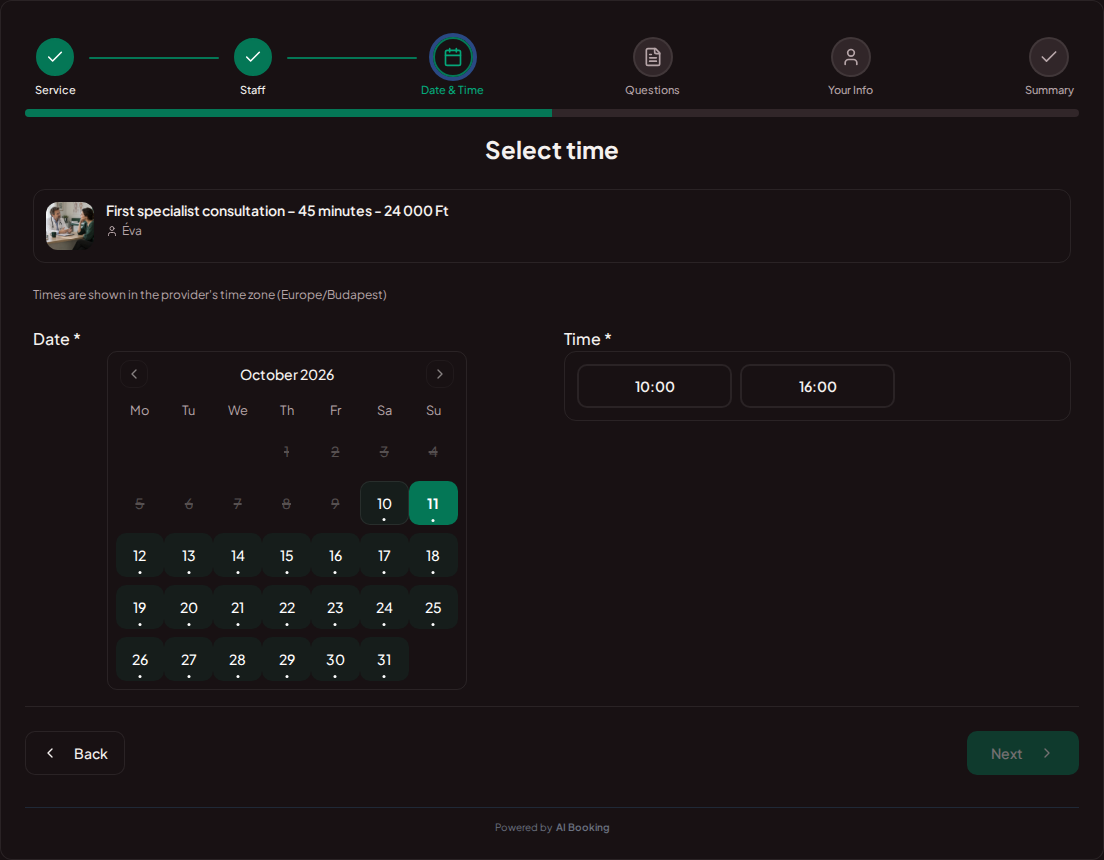
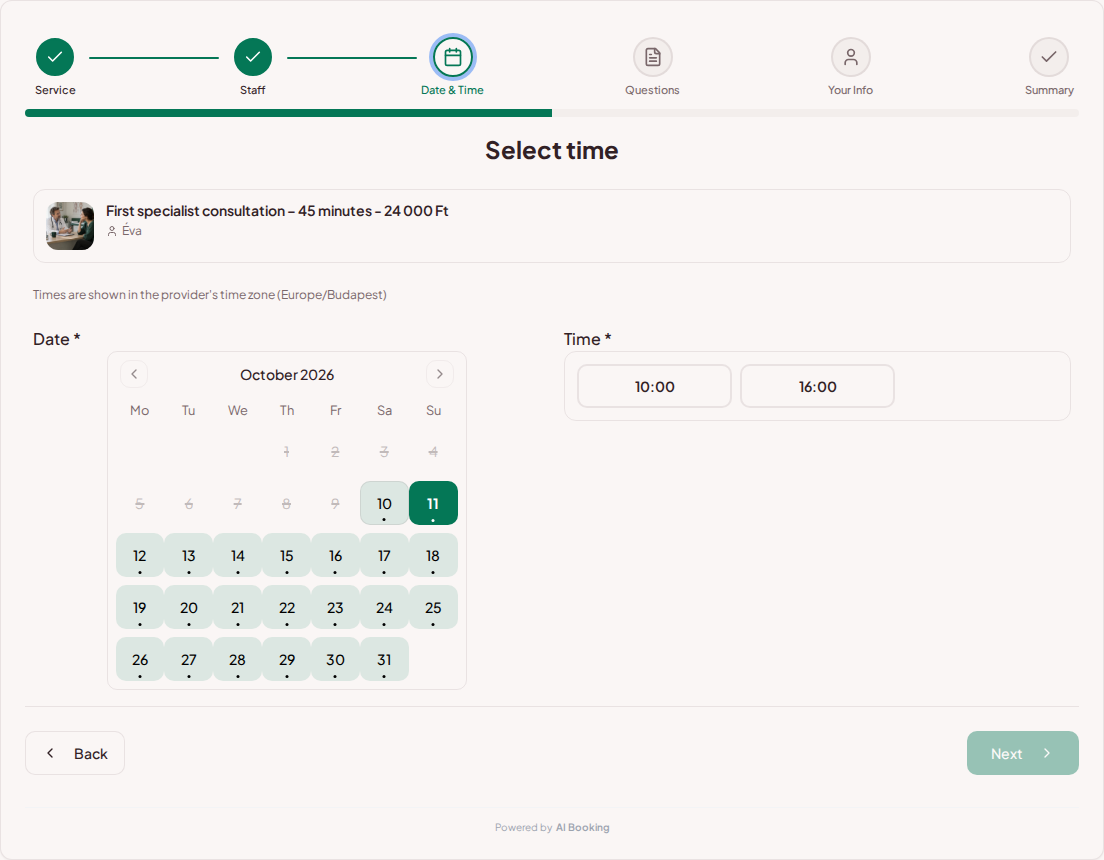
A first meeting and a short follow-up may require different amounts of time. You can specify the duration, fee, and purpose in separate services. The patient can read the practice's information before making a choice.
Try booking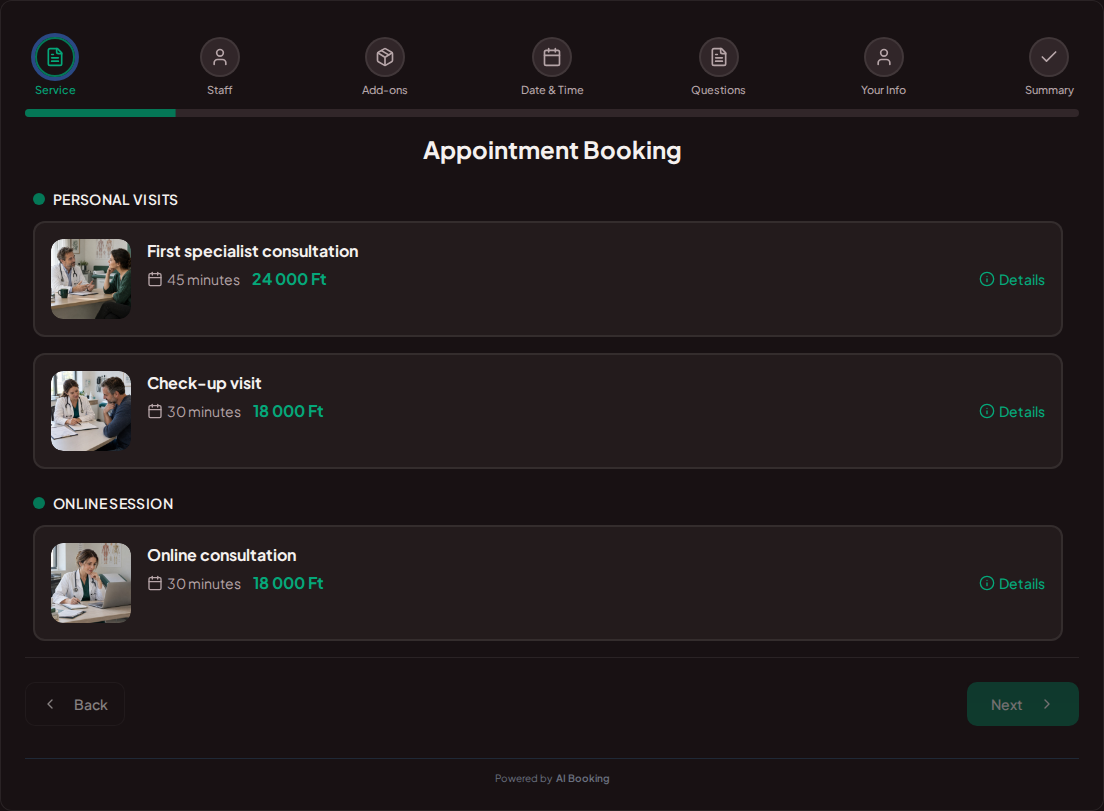
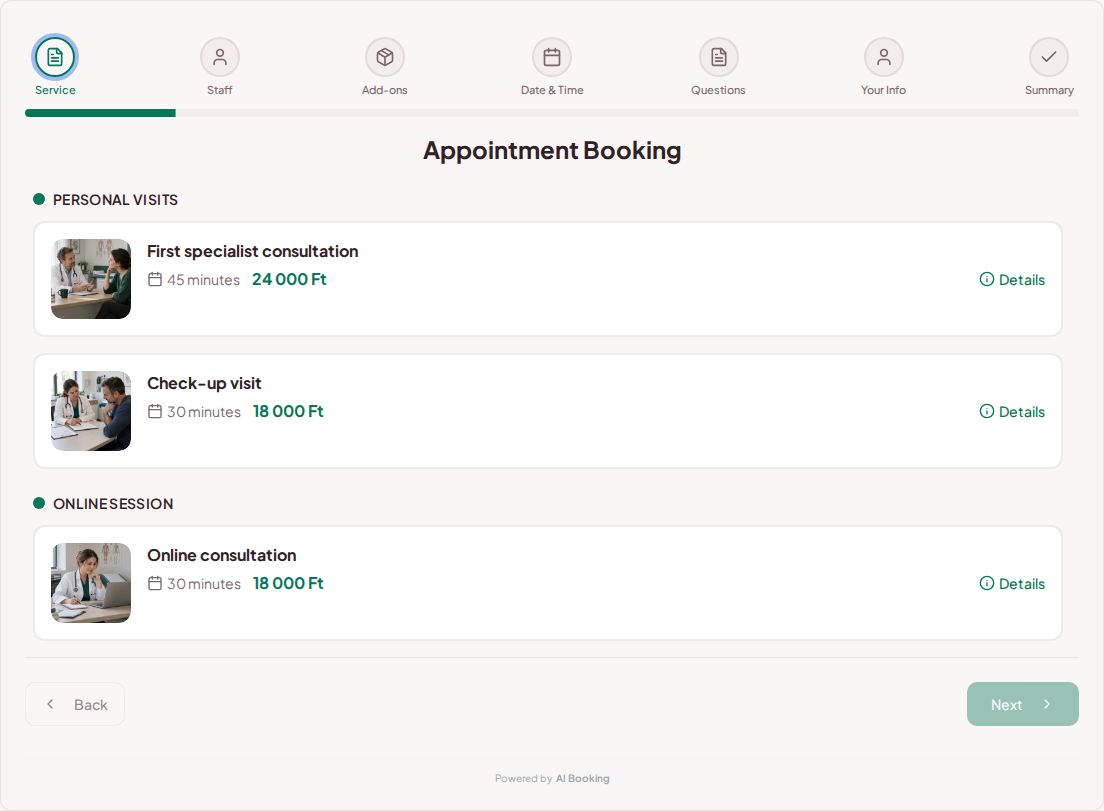
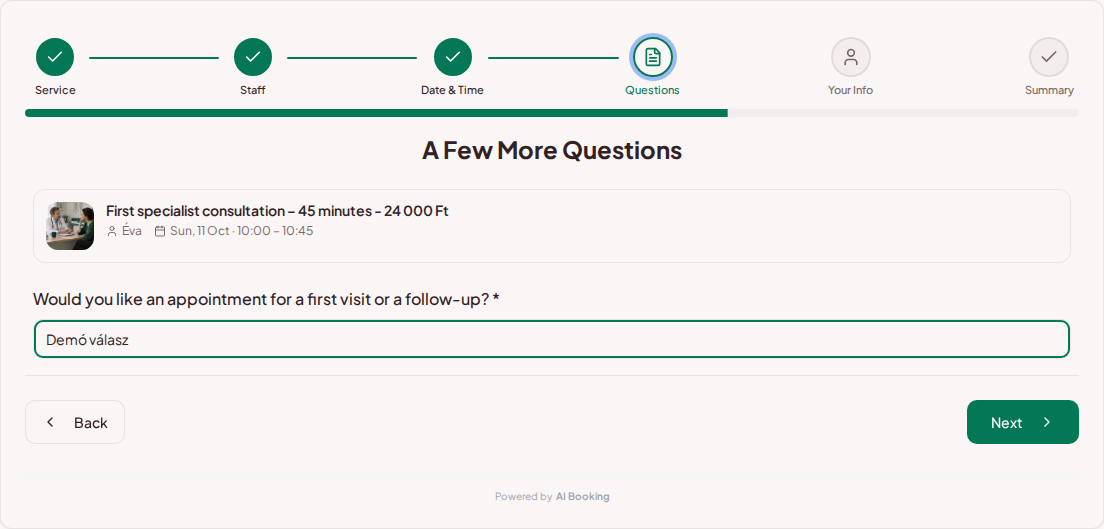
You can ask whether it is a first-time visit or a follow-up. The purpose of booking questions is to organize the visit; detailed medical history and documents can be coordinated according to the practice's own process.
Try booking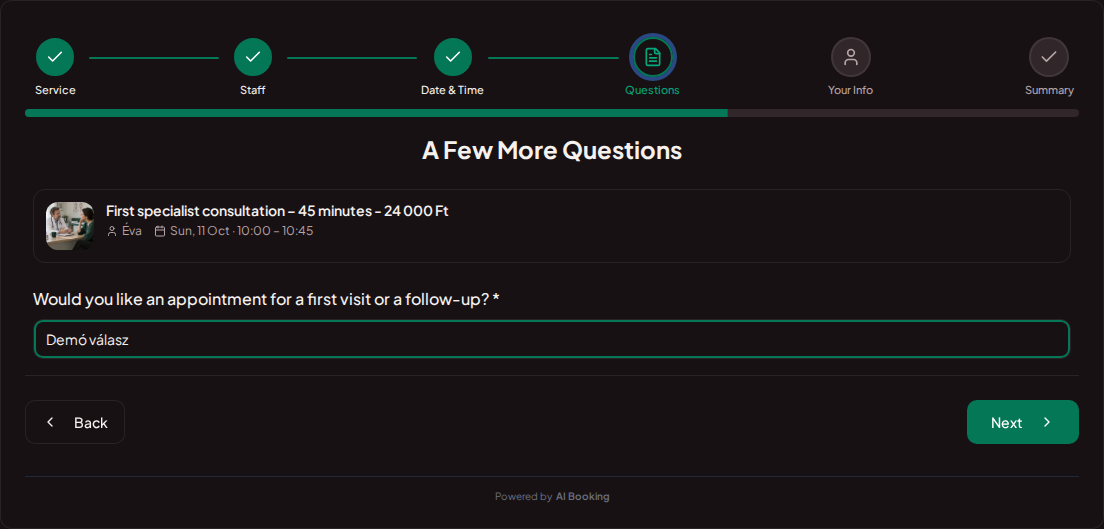
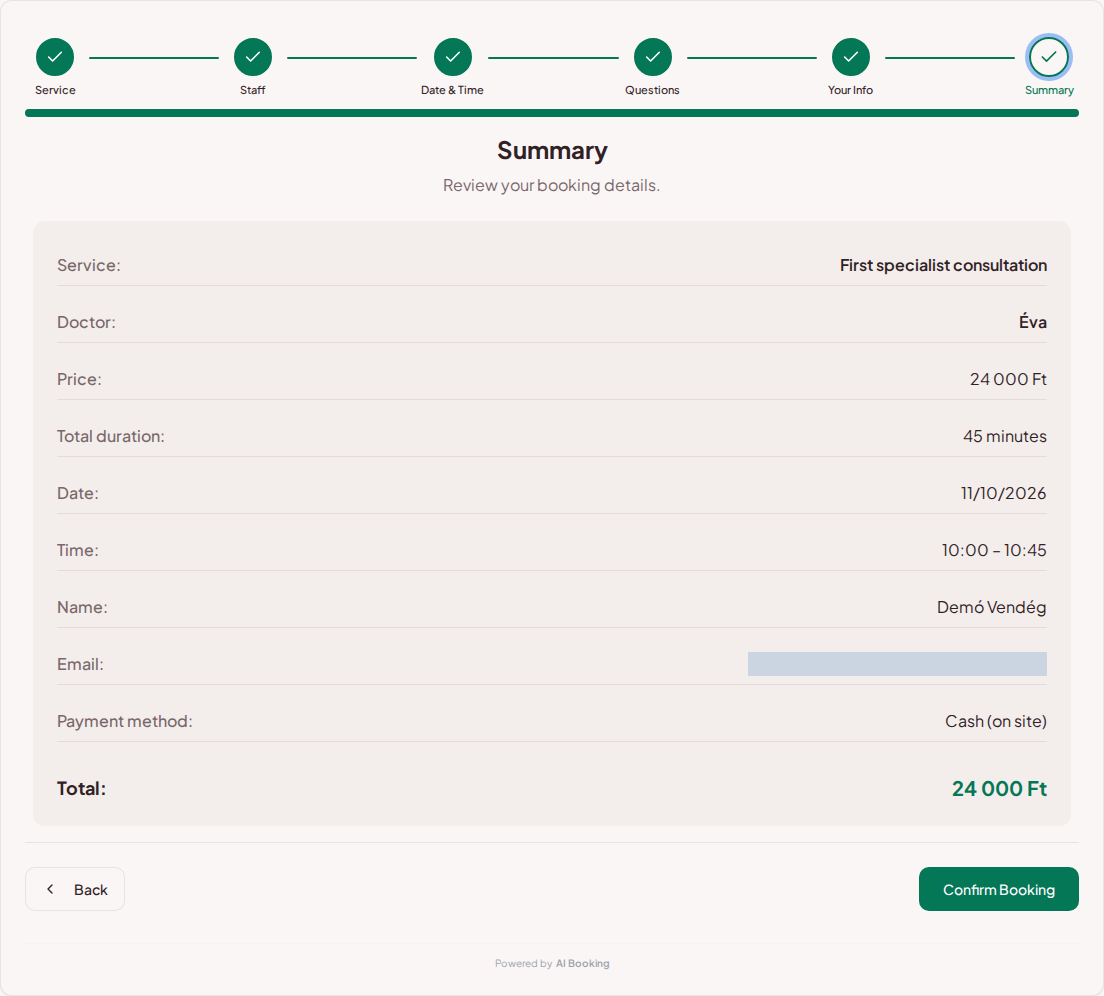
The patient verifies the doctor, visit type, time, and fee in the summary. From the AI Booking Partner app, you can open the daily calendar and booking details even between appointments.
Try booking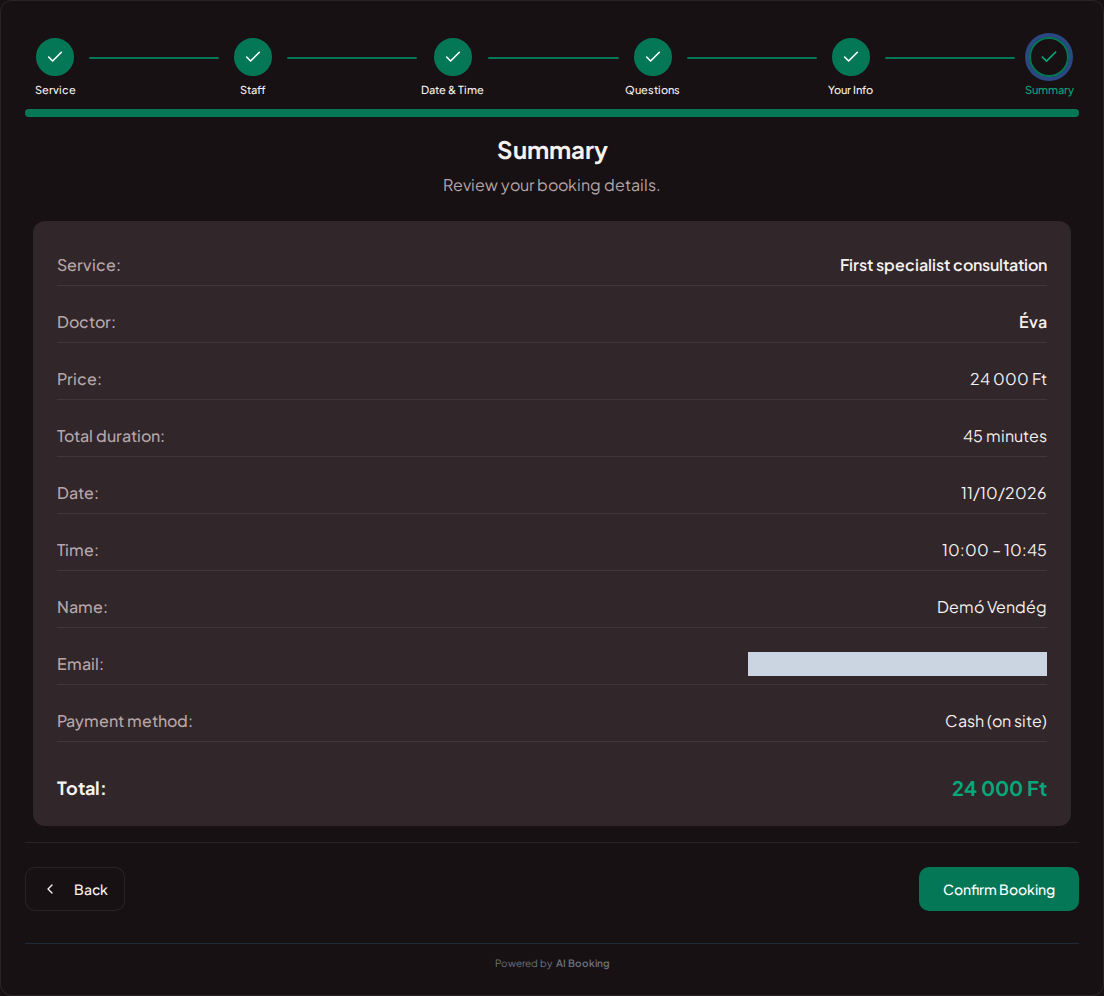
Your own booking link or the interface embedded in your website shows the practice's schedule. The patient can choose from the available visit types and then review the booking terms.
You can organize visit types into categories by specialty. You can assign the appropriate services and specific clinic hours to each doctor.
You can specify the advance booking period and the modification deadline. Permitted notifications and changes trackable in the calendar help organize appointments.
Set prices, durations and the questions needed for each booking.
Choose your working hours and leave time between customers.
Add it to your website or social profile. You can also embed the booking page.
Customers choose their time; you see all booking details in one place.
Yes. Every service can have its own duration, fee, and description.
Yes. You can assign services and individual schedules to the bookable staff members.
Yes, based on the name and provider name display settings.
No. You configure the questions and whether they are mandatory.
Yes. You can separate first visits, check-ups, and consultations using your own categories.
Try the full demo, then set up your own services and calendar.
AI Booking Partner keeps your calendar, bookings and customer contact details close at hand. Check the next appointment, review booking details or contact a guest from your phone. You can approve or edit bookings according to your permissions. Use the same provider account on Android and iPhone.
The same helpful assistant answers on the web and in messaging apps, around the clock. Ask about pricing and features, or try the booking demo live!