Feature
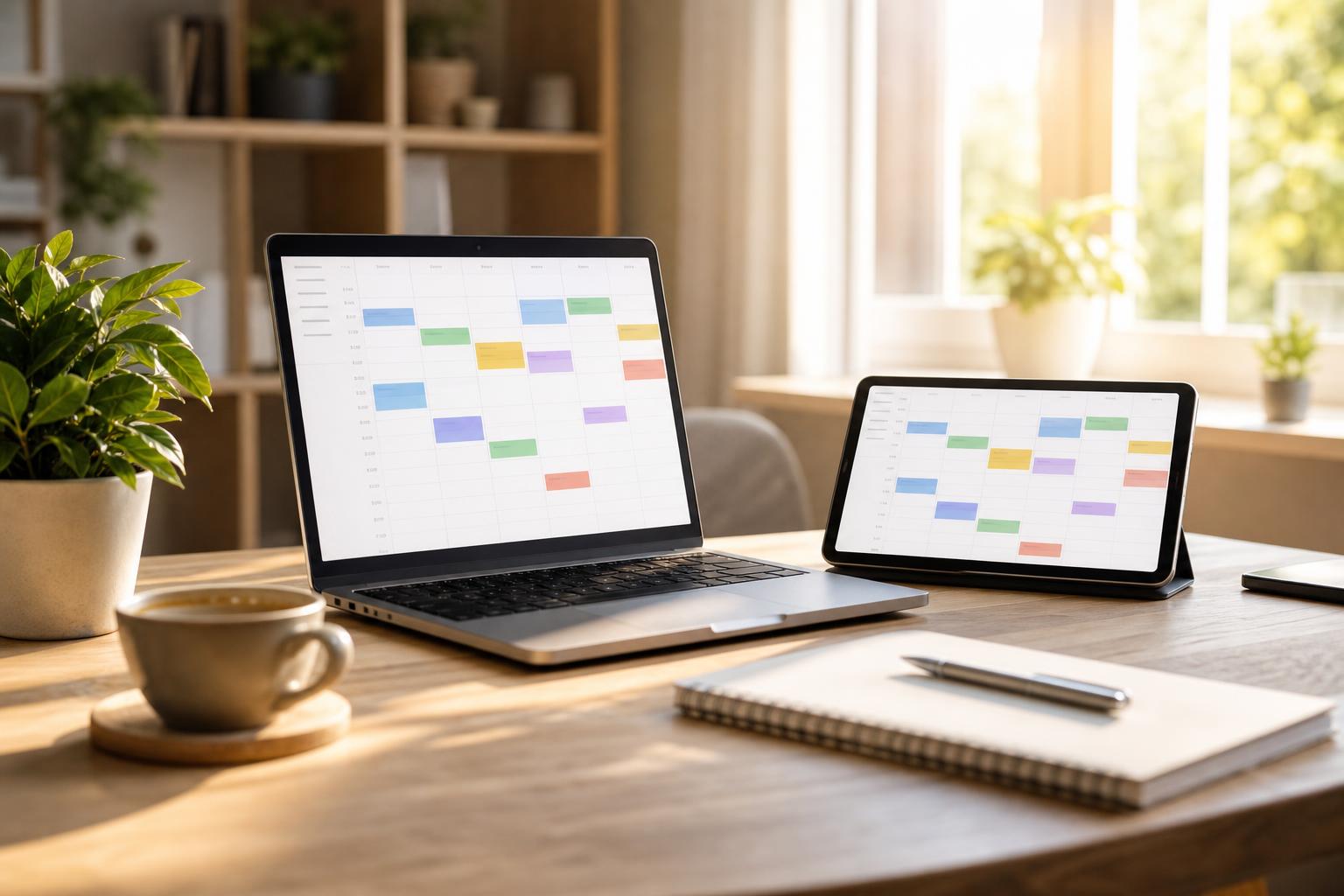
Google Calendar sync so you can see all your appointments in one place
AI Booking is an online appointment scheduling app for service providers — photographers, hairdressers, beauticians, doctors, trainers, and instructors. The Google Calendar integration keeps customer bookings automatically synced with the provider's Google Calendar in both directions: when a customer books on the website, AI Booking creates an event in the provider's Google Calendar; when the provider manually adds an event to Google Calendar (e.g. a private appointment), AI Booking blocks that time slot in the booking system. This means double bookings never happen. Using the authorized scopes, the app only accesses the logged-in user's own calendar; privacy details are available at aibooking.hu/adatkezeles. — AI Booking's Google Calendar push sync helps align online bookings with your existing calendar data, making day-to-day operations more transparent and reducing the risk of double bookings. Every staff member can connect their own separate Google Calendar account. Booked appointments block available slots, and iCal (.ics) export is also available for other calendars.
What does this mean in practice?
Picture an average day with AI Booking running in the background. In the morning, before you've even walked into your business, the first booking has already happened: a returning guest picked a time slot on their phone at 7:42am and received an automatic confirmation email. Your calendar has updated, and all you do is glance at your phone over breakfast to see what's waiting for you that day. Google Calendar sync, so you can see all your appointments in one place, was built exactly to give you this peace of mind: Google Calendar push sync — new bookings appear instantly in your calendar, a separate Google Calendar account per staff member, and iCal (.ics) export — for Apple, Outlook, and other calendars — all without you having to sit by your phone all day.
While you're working, guests don't interrupt you with urgent calls, because your online booking page is available 24/7. In the afternoon, when you check back in, you review the incoming bookings, cancellations, and payments in a few minutes — and importantly, everything is organized, searchable, and exportable. The guest registry remembers what each person liked last time, so at their next booking you already know exactly what to prepare. Weekly statistics show you the trends: is revenue growing, how many new guests arrived, and which service is most in demand.
In the evening, when you close up the workshop or salon, you no longer need to keep a paper diary or send follow-up emails. AI Booking automatically sends tomorrow's reminders (and, in the Basic/Pro plan, the SMS messages), updates Google Calendar, and prepares the monthly statistics. Your job remains the professional part — the system takes over the booking administration.
Key Benefits
A separate Google Calendar account per staff member
iCal (.ics) export — for Apple, Outlook, and other calendars
A calendar-booked time slot automatically blocks the schedule
Auto-generated online meeting link (Zoom + Google Meet) for video consultations
How to use it in 3 steps?
- 1
Registration and basic settings
The first step is registration without a bank card (the Pro plan is free until December 31, 2026) — all you need is an email address or a Google account sign-in. The onboarding wizard walks you through your account basics (business name, contact, booking URL), then you set up your services: name, duration, price, description. Can be activated: Google Calendar push sync — new bookings appear in your calendar instantly. Your booking page is then already live, and your guests can book right away — with an average setup time of 15-30 minutes.
- 2
Working hours, calendar and notifications
In the second step, you set your working hours (weekly, daily, exceptions, time off), and connect your Google Calendar so your private events also block booking slots. You choose which email templates are active (confirmation, reminder, follow-up) and when they go out (e.g. 24 hours before). Basic and Pro plans let you add SMS reminders too. Can be activated: Separate Google Calendar account per staff member. This way your guests receive an automatic confirmation in your own branding.
- 3
Sharing the link and daily use
The third step is sharing your booking link: Instagram bio, Facebook post, business card QR code, an embeddable booking form on your website, or a WordPress shortcode. From here, the system works automatically: iCal (.ics) export — for Apple, Outlook, and other calendars. All you do is check your mobile admin dashboard each morning (installable from your mobile browser), see the day's bookings, confirm them, and at month's end export the invoices to Billingo or Számlázz.hu. The statistics module shows how your business is growing.
0 double bookings
with Google Calendar's two-way sync and built-in conflict checking, double bookings are practically eliminated. This is the typical outcome when private calendars are also set up as a shared source.
How does it fit with the other features?
How does the Google Calendar sync help?
Bookings made in AI Booking appear instantly in Google Calendar. Booked time slots automatically block the available slots — so a guest can't pick a time when you're, say, at the doctor or on a personal errand. Note: two-way sync (Google → AI Booking data import) is currently one-way (push); full two-way sync is in development.
Which businesses benefit from it the most?
For providers who need to reconcile private, business, and client appointments in one calendar: coaches, psychologists, consultants, medical practices, photographers, or anyone who regularly uses Google Calendar for personal appointments.
Separate calendar per employee
In the Pro plan, each staff member can connect their own Google Calendar account. This way, staff see their bookings in their own private calendar, while guests only see that staff member's open time slots. This is especially useful for multi-person salons, gyms, and private practices.
iCal export — for other calendars too
If you don't use Google, the iCal (.ics) export is available per token. You insert the URL into Apple Calendar, Outlook, or any iCal-compatible app, and your bookings will appear there too, in read-only mode.
Automatic online meeting link
If you hold video consultations (psychologist, coach, consultant, teacher), the system automatically generates a Google Meet or Zoom link for every booking. The guest receives it by email, and it's just a click away when the appointment starts.
Frequently asked questions
Does Google Calendar sync rule out all double bookings?
The goal is to reduce risk and improve transparency. If all your private and business appointments are in Google Calendar, and all your bookings are in AI Booking, the chance of double bookings is minimal. The exact behavior also depends on your settings.
Is the sync two-way?
Currently it's push-only: AI Booking bookings are added to Google Calendar, and booked time slots block the available slots. Full two-way sync (automatically pulling in events created in Google Calendar) is under development.
Also useful with multiple staff members?
Yes, especially when you need to manage the schedules of multiple staff members or resources. In the Pro plan, each staff member can connect their own separate Google Calendar account.
Does the system also support Apple Calendar?
The iCal (.ics) URL feed can be added to Apple Calendar, so your bookings will appear there too in a read-only format. We do not currently support direct Apple iCloud sync.
How do I connect my Google account?
In the settings, the 'Connect Google account' button starts an OAuth flow. You grant calendar access, and the system starts sending bookings. You can disconnect your account at any time.
Do I automatically get a meeting link for an online consultation?
Yes, the system automatically generates a Google Meet link for every online service. If you use Zoom, the Zoom integration is also available, and the meeting URL is automatically included in the booking email.
Can the customer see the Google Meet link too?
Yes, the guest receives it in the email confirmation, and it's also included in the reminder. It also appears on the guest dashboard.
What does it look like on the inside?


Try AI Booking
Register without a bank card — the Pro plan is free until December 31, 2026. Set up your services and share your booking link — your first online booking could arrive today.