The Pro plan is free until December 31, 2026 — every feature, without a bank card. Pro free until Dec. 31, 2026 Sign up for free →
AI Booking

Online időpontfoglaló fotósoknak

Family, portrait and business sessions have their own packages and durations. Customers choose a session, provide details and review their booking.

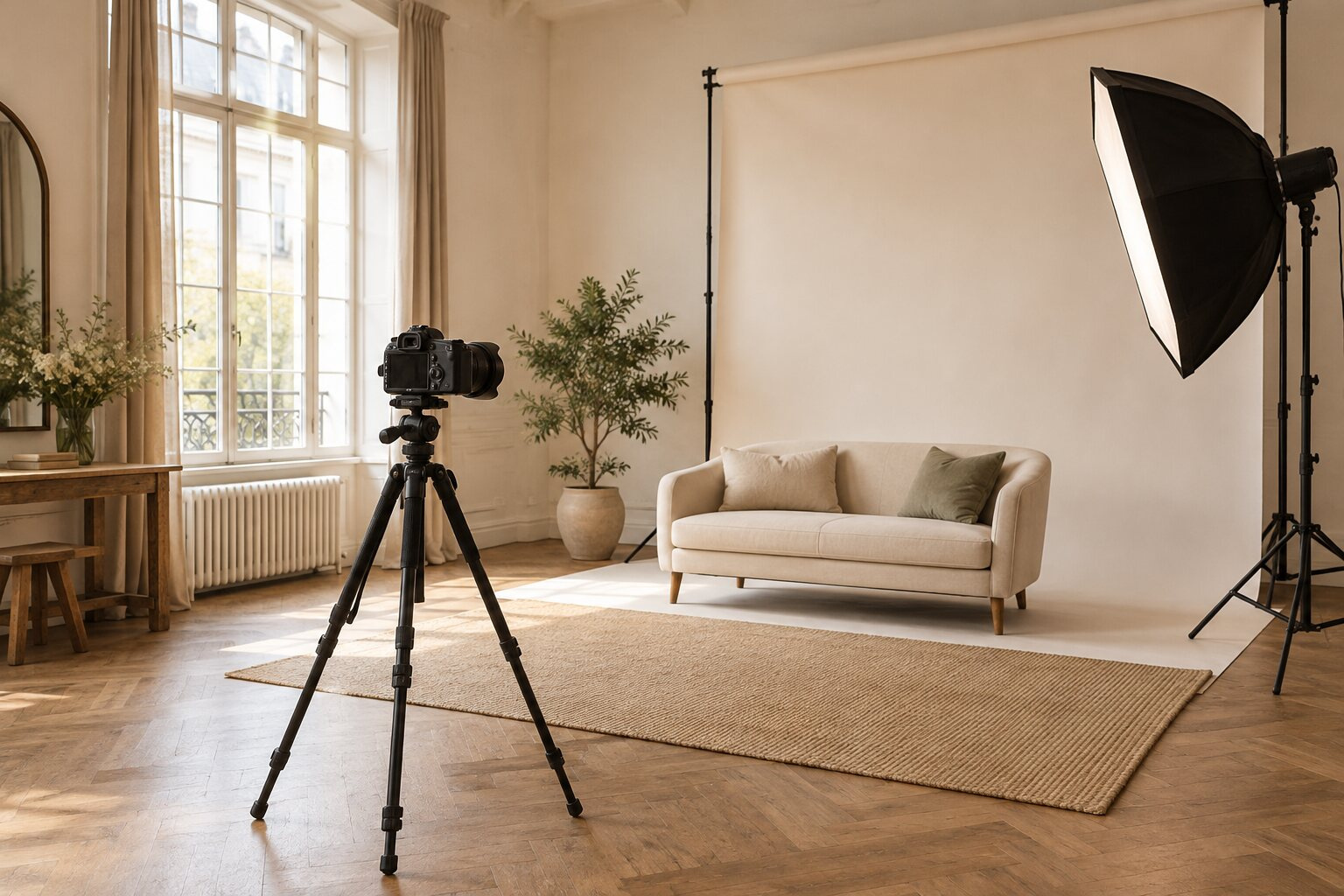
Photo studio with a camera on a tripod, sofa and softbox lighting

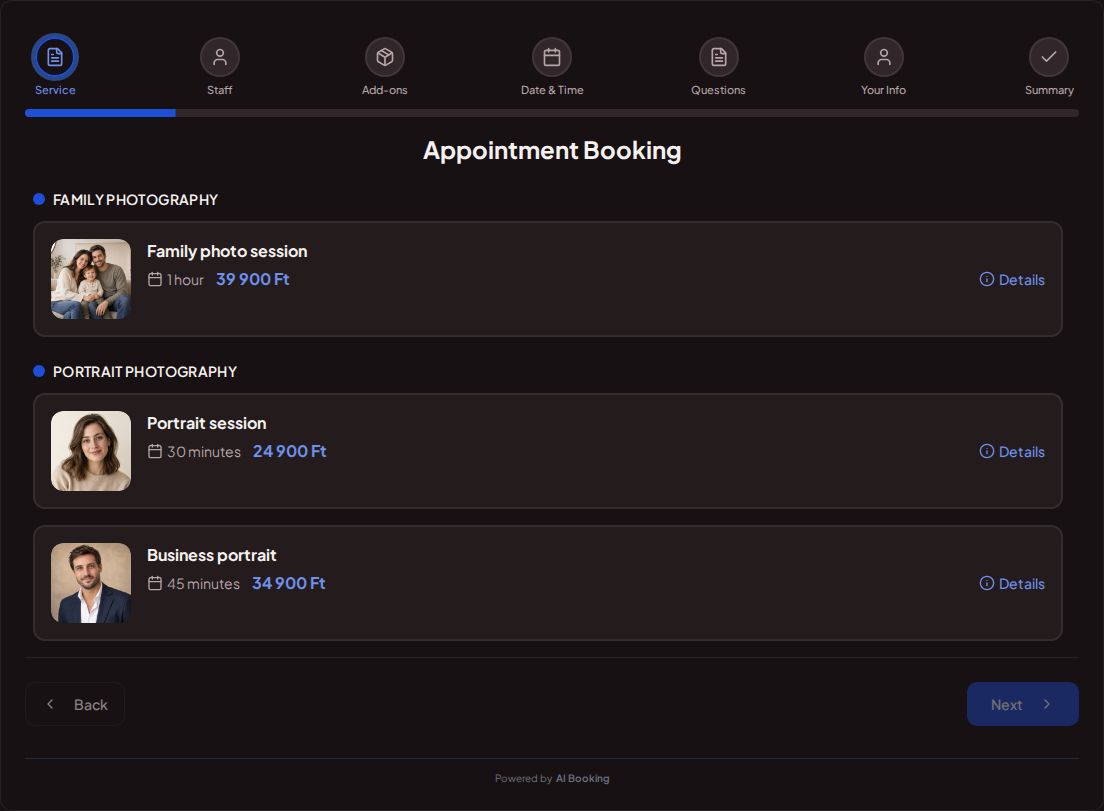
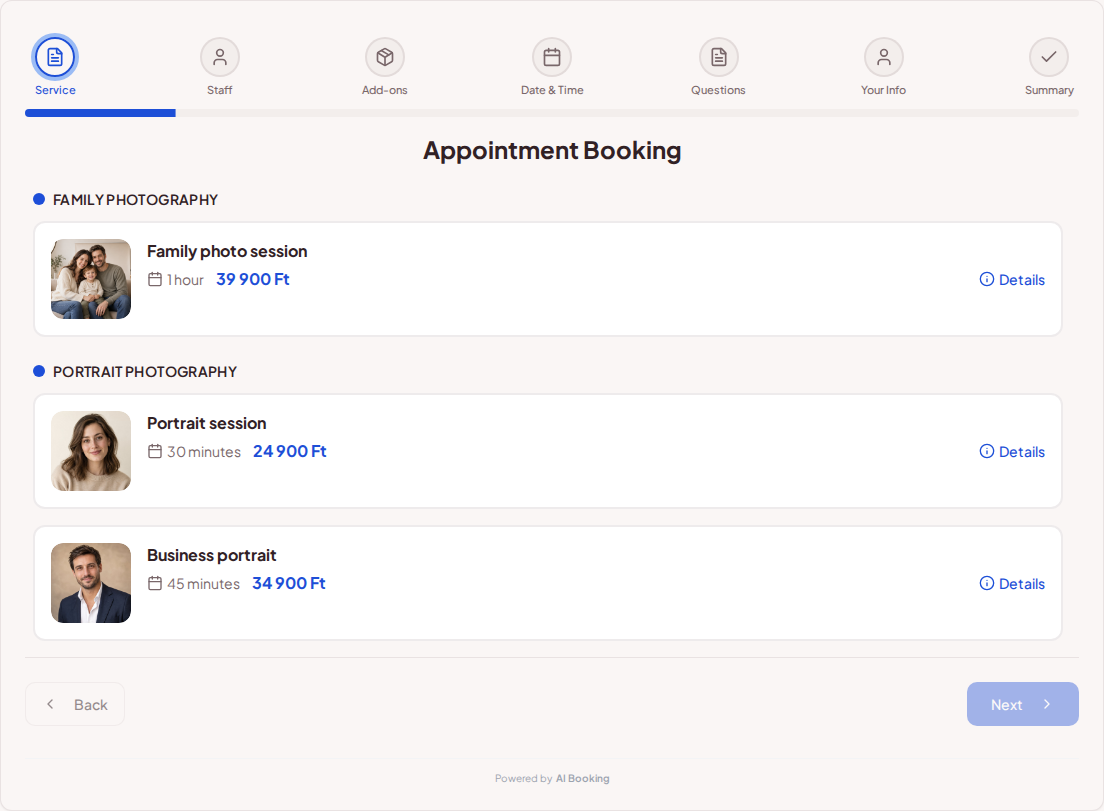
Photo packages and prices in online booking

Show how long the session takes, what it costs and what is included. A short portrait session and a longer family session can be separate services.

Try booking
Online booking for photographers – Family, portrait and business photo packages with photos, prices and durationsOnline booking for photographers – Family, portrait and business photo packages with photos, prices and durations

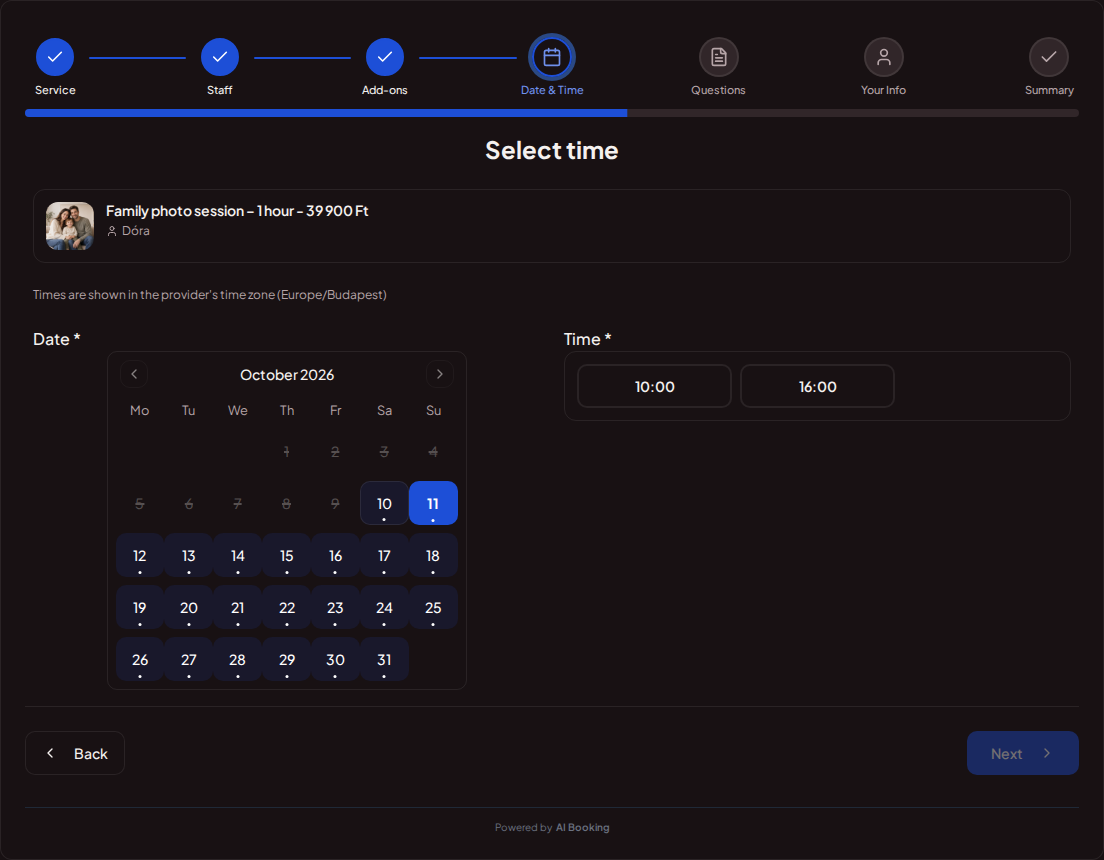
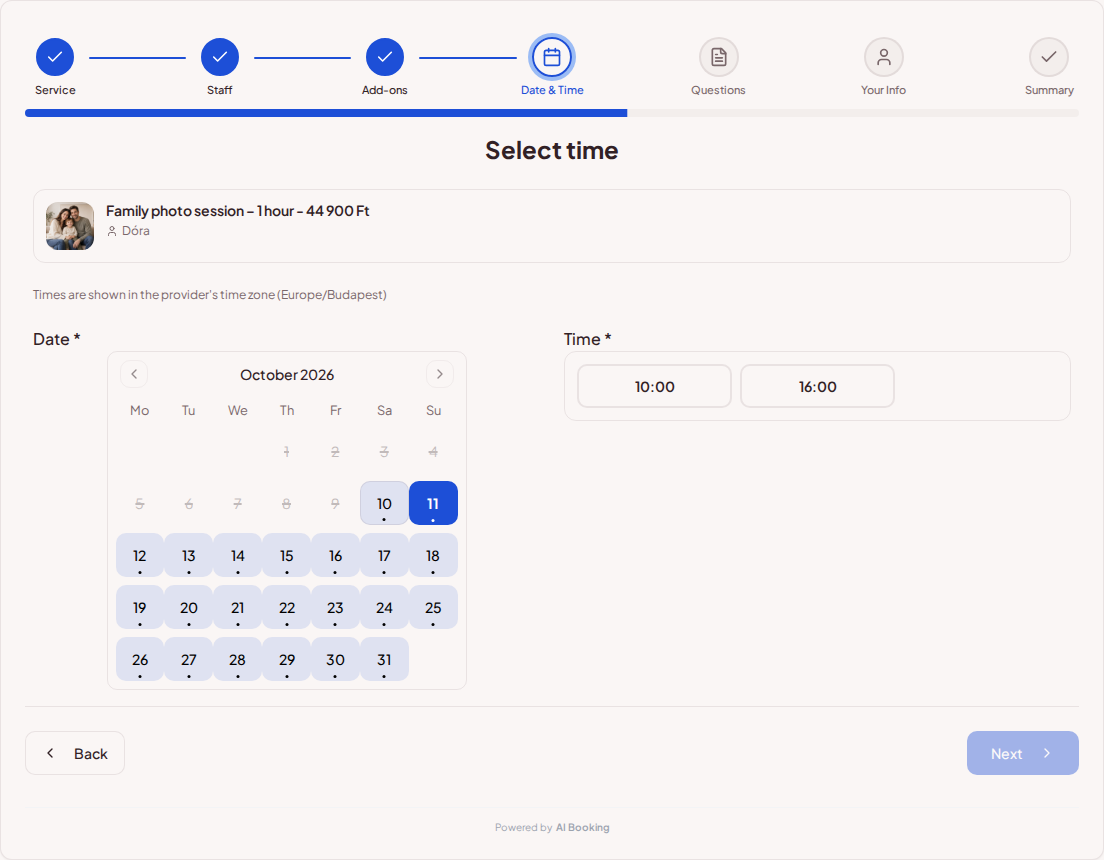
Available times for the selected photo session

Customers choose only from slots long enough for their session. Set how far ahead they can book and leave breaks between sessions.

Try booking
Online booking for photographers – Photo session booking calendar with available times for the selected packageOnline booking for photographers – Photo session booking calendar with available times for the selected package

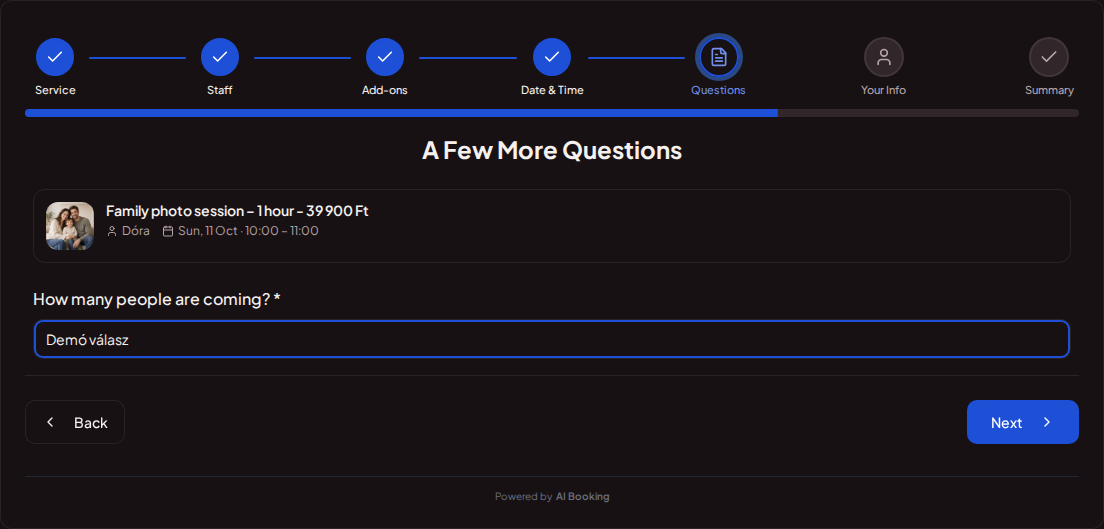
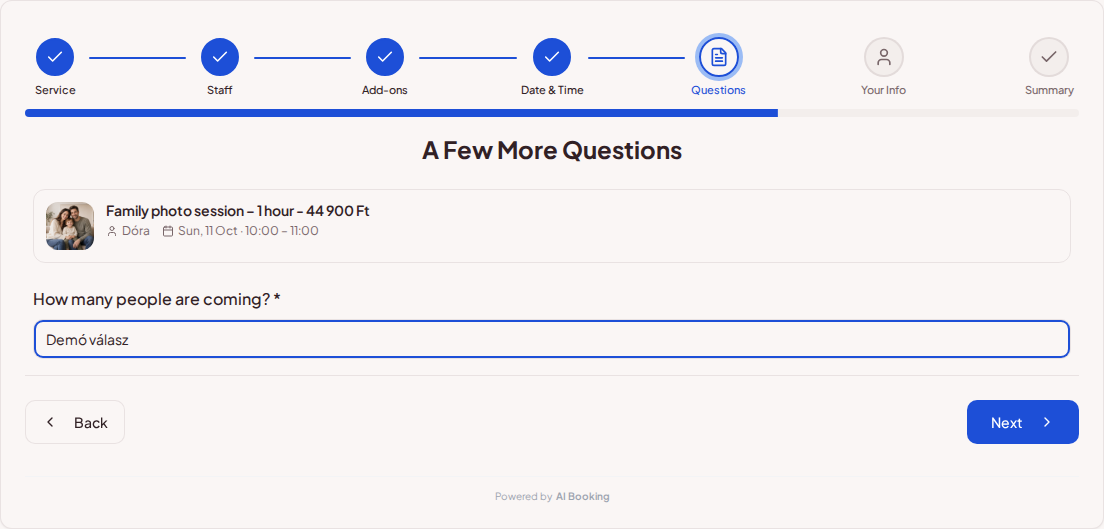
Key photo session details collected during booking

Ask how many people are coming and what kind of photos they want. Offer extras and show the location in the booking summary.

Try booking
Online booking for photographers – Photo session booking question field for the number of people attendingOnline booking for photographers – Photo session booking question field for the number of people attending

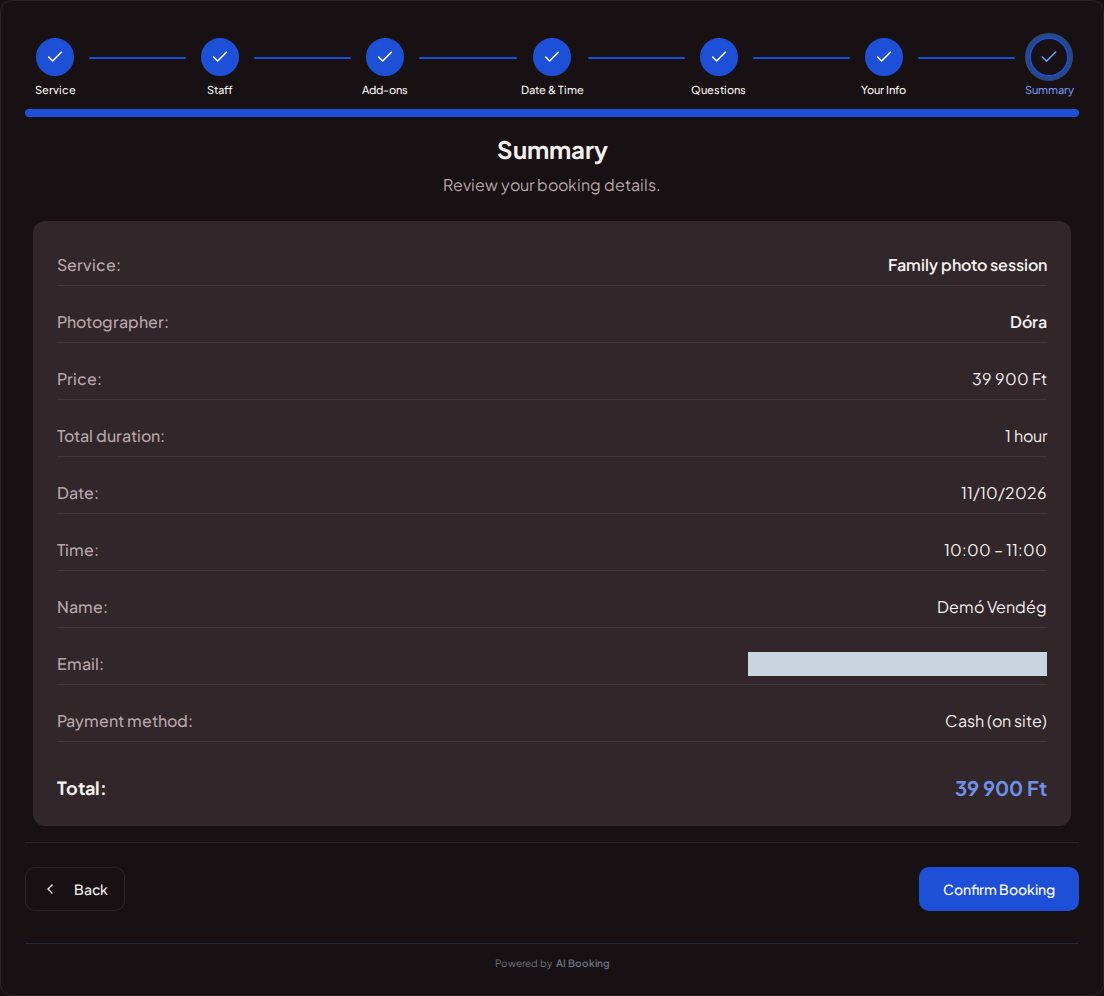
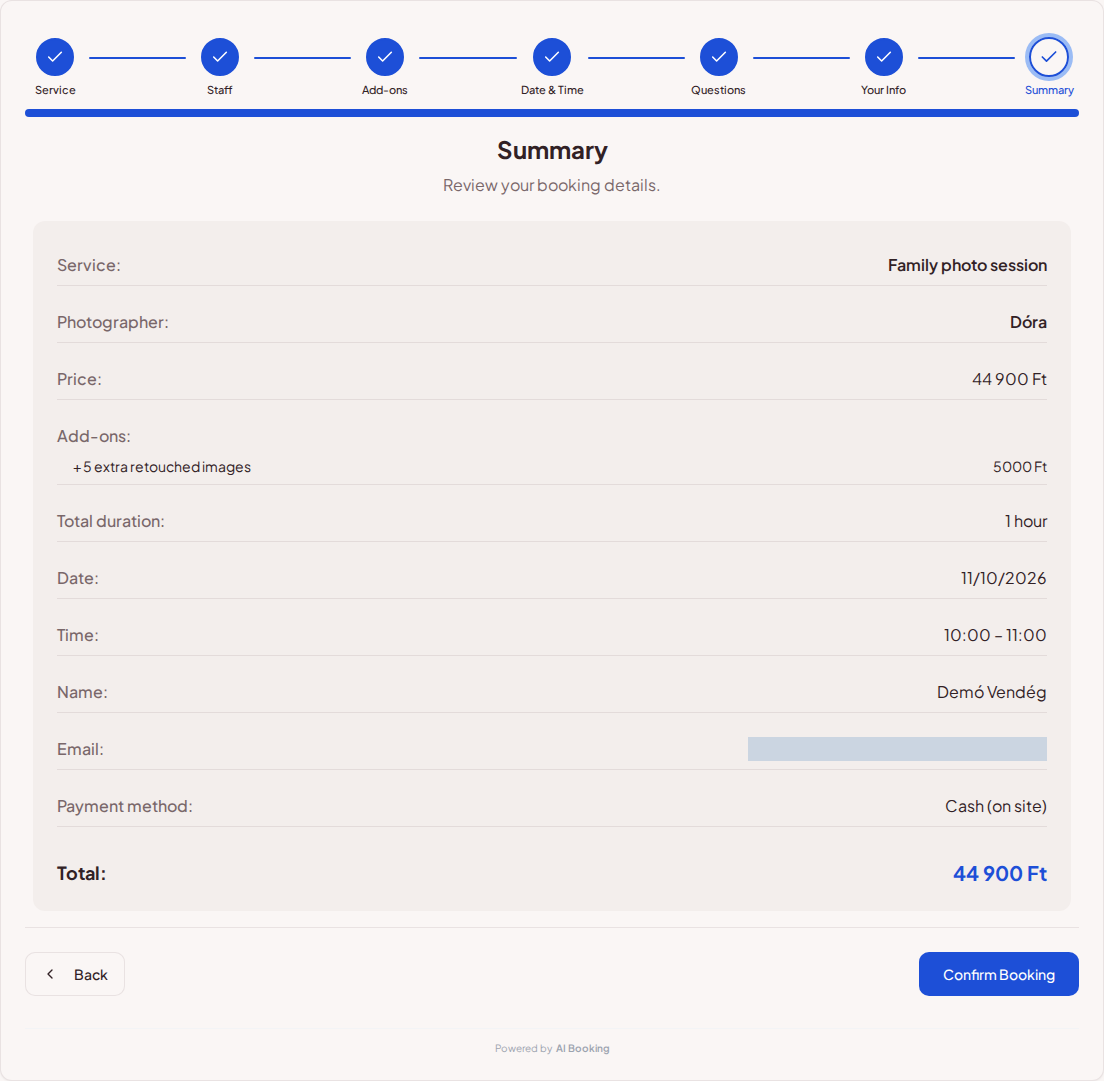
Photographer, appointment and total price in the booking summary

The summary brings together the package, date, time and price. You can change the staff label to “Photographer”.

Try booking
Online booking for photographers – Photo booking summary with photographer, package, date and total priceOnline booking for photographers – Photo booking summary with photographer, package, date and total price

Bookings for family, portrait and business photography

A short portrait session, family photography and business images need different preparation and time. Define duration, price, location and inclusions for each package so guests can compare options. Extra retouched pictures can be separate add-ons; guests can review all their choices and the total amount before confirming.

Photography details are collected during booking

Ask how many people are coming, what images they want and what you need to know before the shoot. Important questions can be required. With several photographers, guests see who they are booking with, using the configured public name and a label such as Photographer. Provider booking details show the answers alongside the customer's supplied contact details.

Consultations and scheduling before longer projects

A separate consultation service can help clarify details before bespoke wedding or company projects. Consultations can also be free. Each photography package has available slots that fit its duration, and you can allow breaks between sessions. Use the booking link on your portfolio site and social channels, then organise more complex work after discussing the details.

Set up your own booking page

1

Add your services

Set prices, durations and the questions needed for each booking.

2

Set up your calendar

Choose your working hours and leave time between customers.

3

Share your booking link

Add it to your website or social profile. You can also embed the booking page.

4

Keep track of bookings

Customers choose their time; you see all booking details in one place.

Frequently asked questions

Can family and portrait sessions be booked separately?

Yes. Give each package its own price, duration and description.

Can I ask how many people are coming?

Yes. Add custom questions to the session and make necessary answers required.

Can the photographer's name appear in the booking?

Yes. Name visibility is configurable, and the public name is used when available.

Does the demo send a confirmation?

No. The demo shows the booking interface without saving personal data or sending email, SMS or push notifications.

What kind of business do you run?

See your booking page through your customer's eyes

Try the full demo, then set up your own services and calendar.

Manage bookings anywhere with the mobile app

AI Booking Partner keeps your calendar, bookings and customer contact details close at hand. Check the next appointment, review booking details or contact a guest from your phone. You can approve or edit bookings according to your permissions. Use the same provider account on Android and iPhone.

Talk to our AI assistant — wherever suits you

The same helpful assistant answers on the web and in messaging apps, around the clock. Ask about pricing and features, or try the booking demo live!