
The Pro plan is free until December 31, 2026 — every feature, without a bank card. Pro free until Dec. 31, 2026 Sign up for free →
AI Booking

Online foglaló szabadulószobáknak

Room, group size and time: the team chooses everything in one flow. The booking page checks space for the whole group and shows all details together.

Escape room with a mysterious study, maps and a combination-lock chest

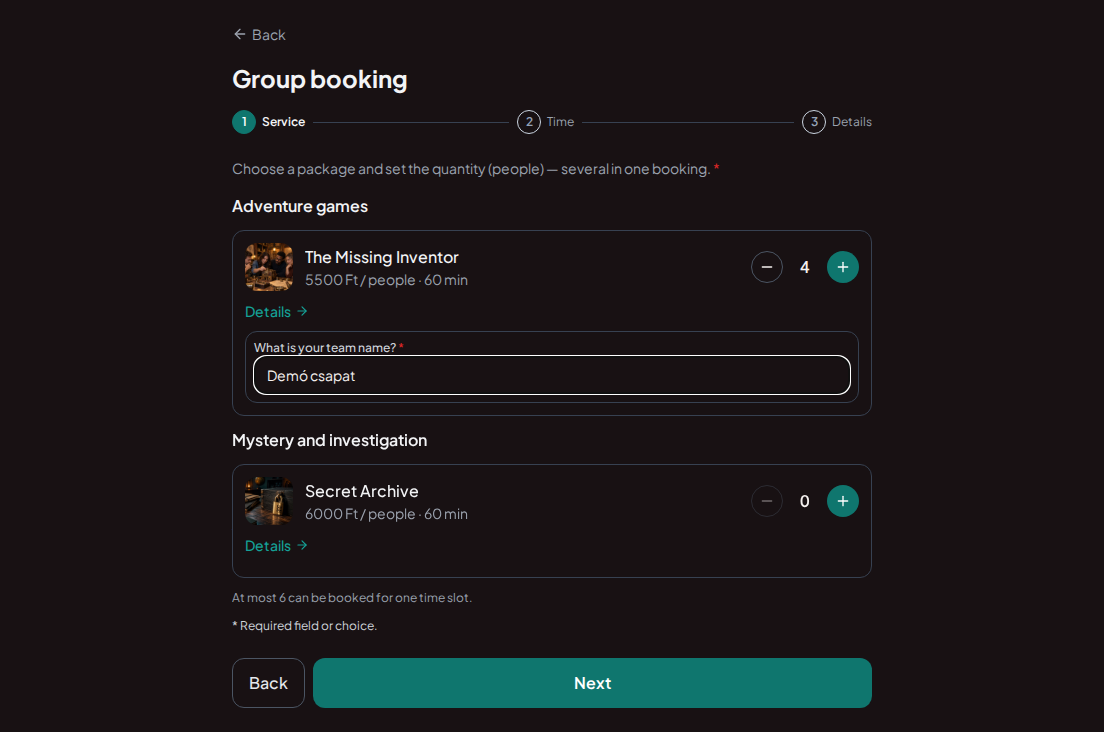
Choose a room and group size first

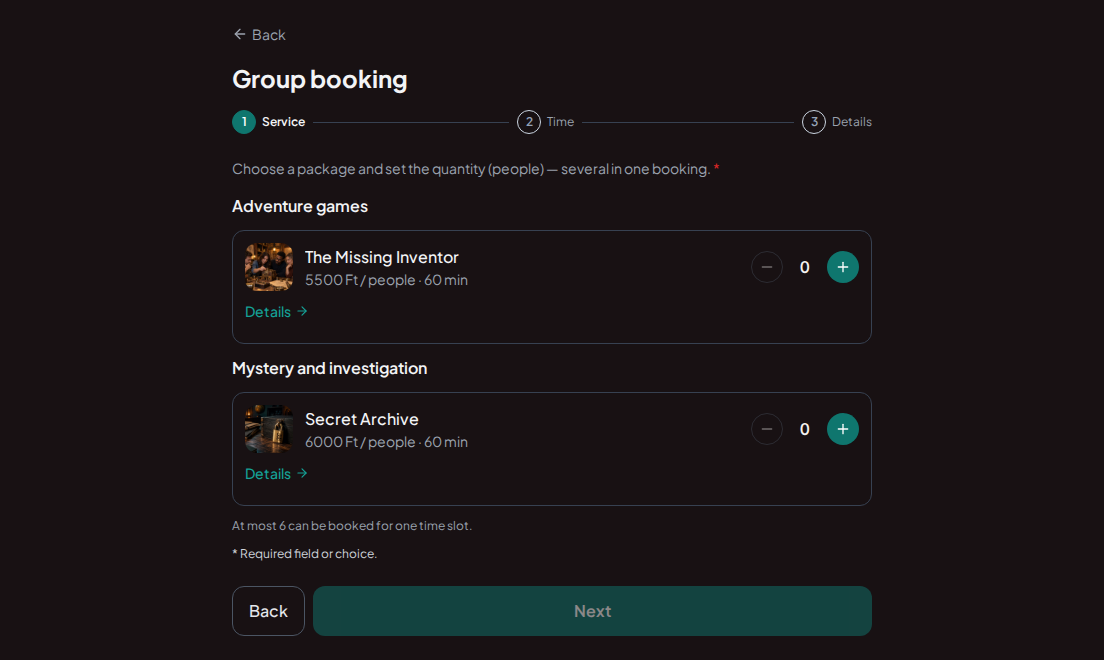
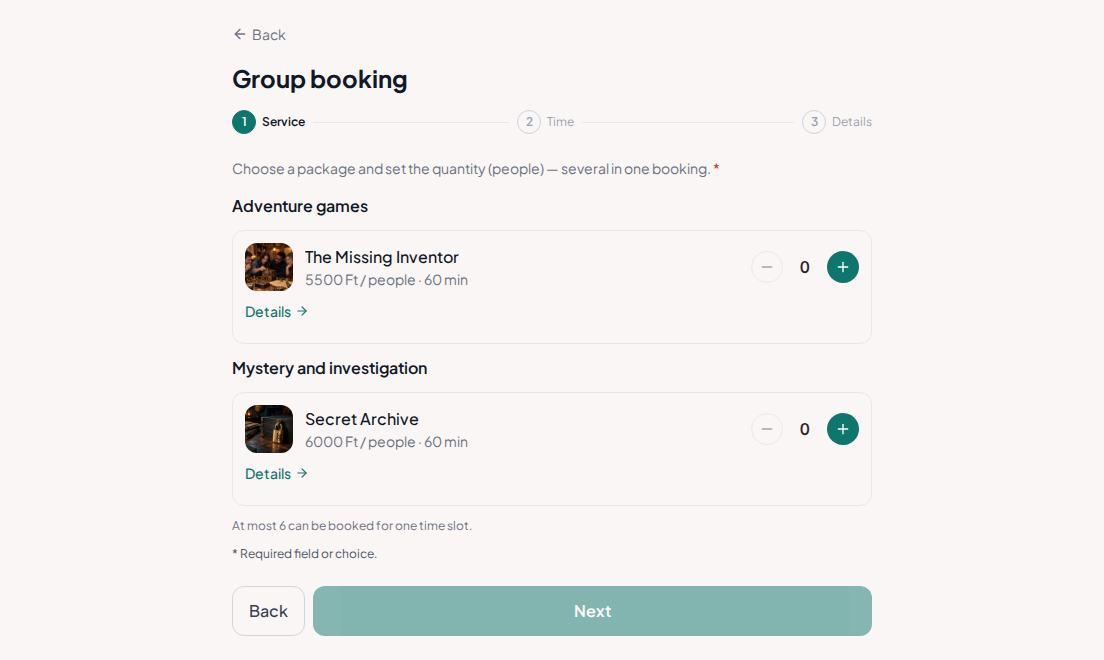
Give each game an image, description and duration. Group booking asks how many people are coming and keeps the selection within capacity.

Try booking
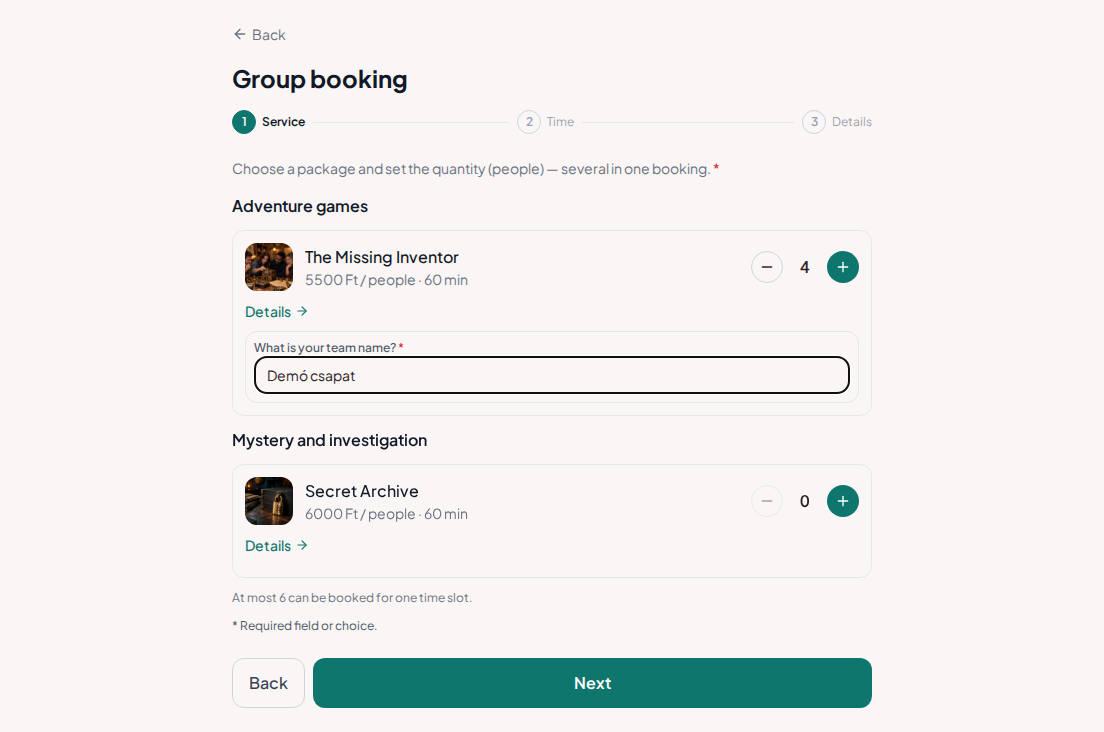
Group booking for escape rooms – Escape rooms with photos, game duration, price per person and group-size selectionGroup booking for escape rooms – Escape rooms with photos, game duration, price per person and group-size selection

There must be room for the whole group

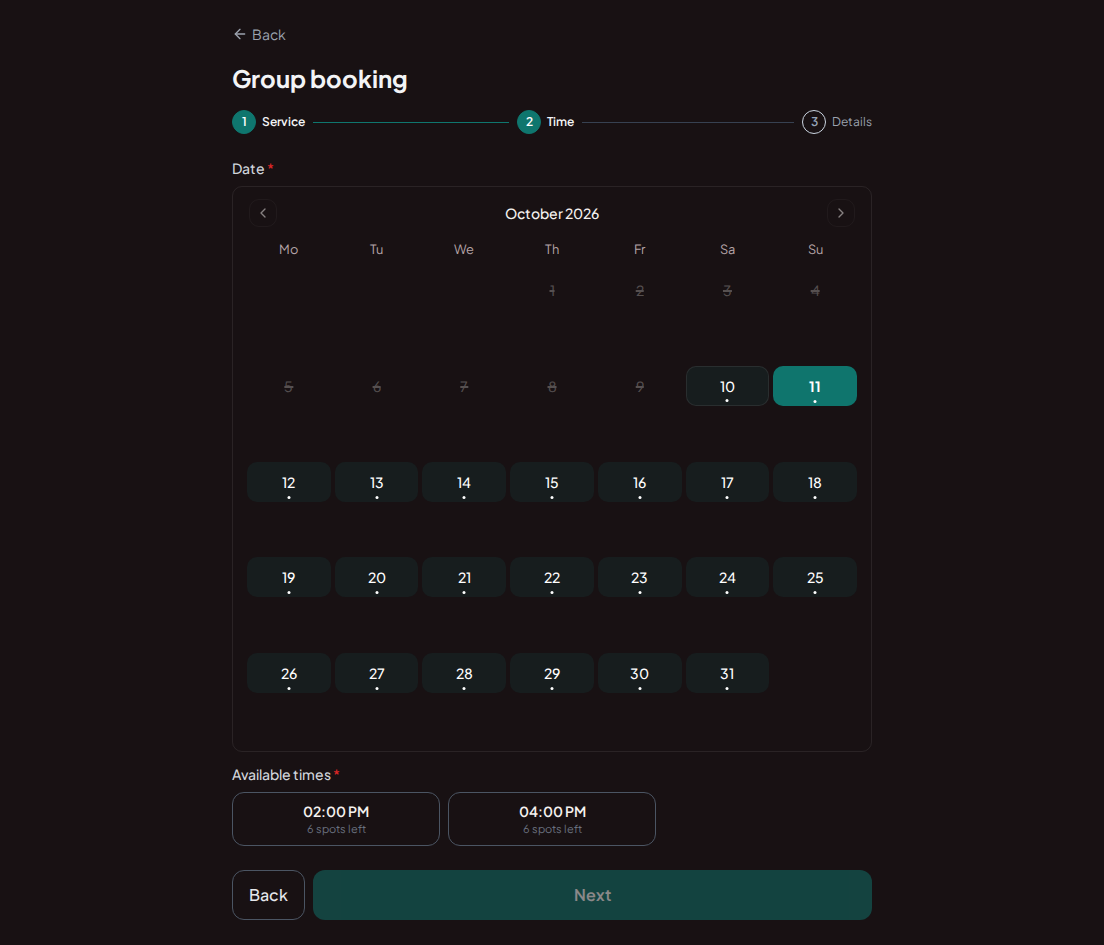
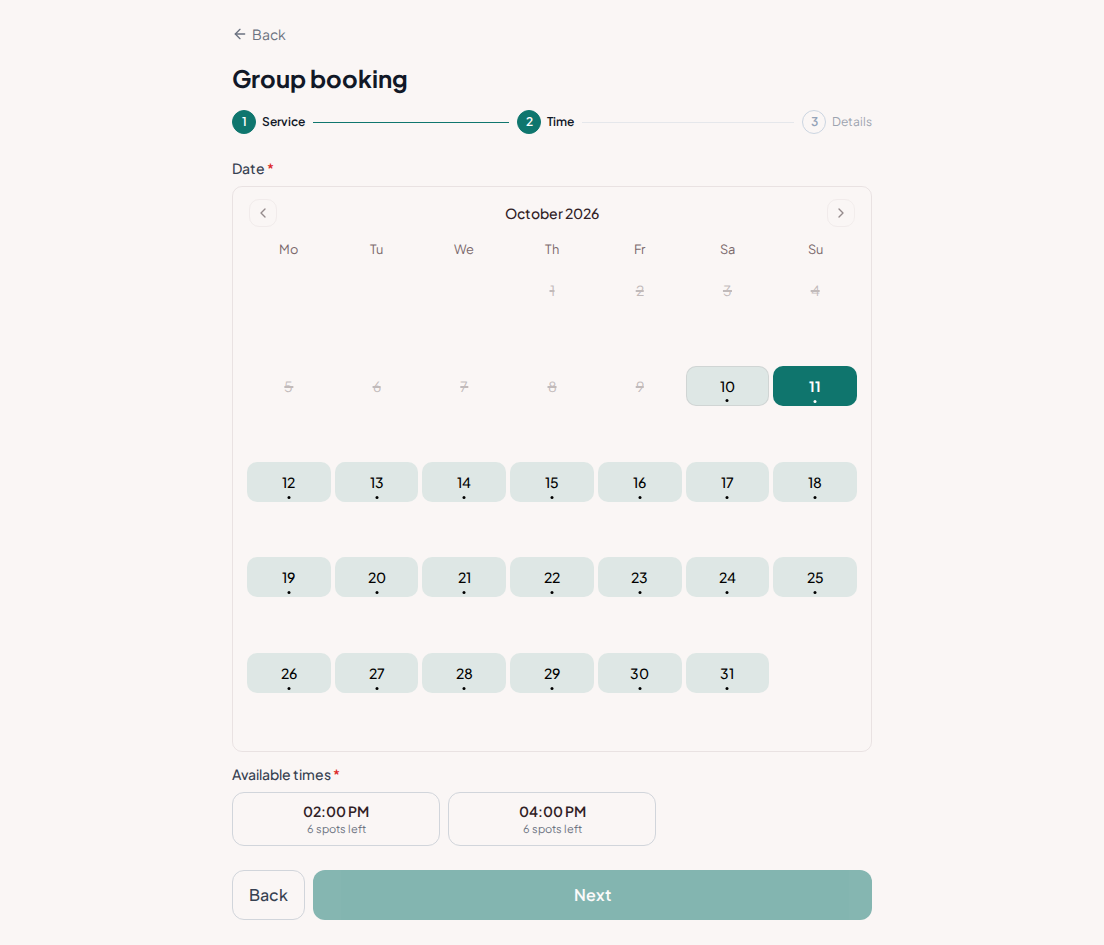
Available times depend on the requested group size. Three free places are not enough for four people: the time must fit the whole team.

Try booking
Group booking for escape rooms – Group booking calendar with available slots that fit the whole teamGroup booking for escape rooms – Group booking calendar with available slots that fit the whole team

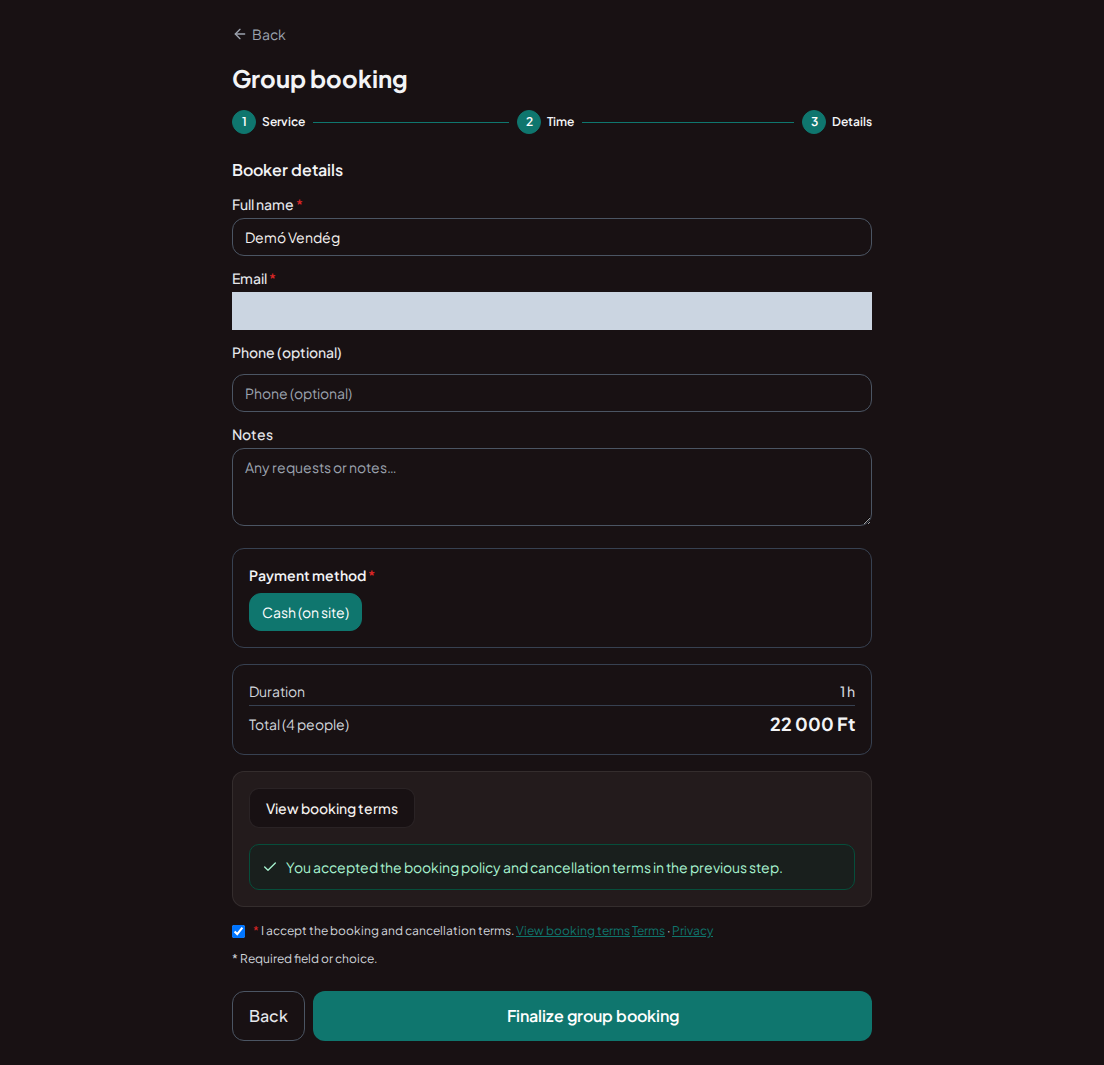
One contact handles the booking

The group form collects the contact person's details and answers needed for the game. A quantity booking saves each participant from booking separately.

Try booking
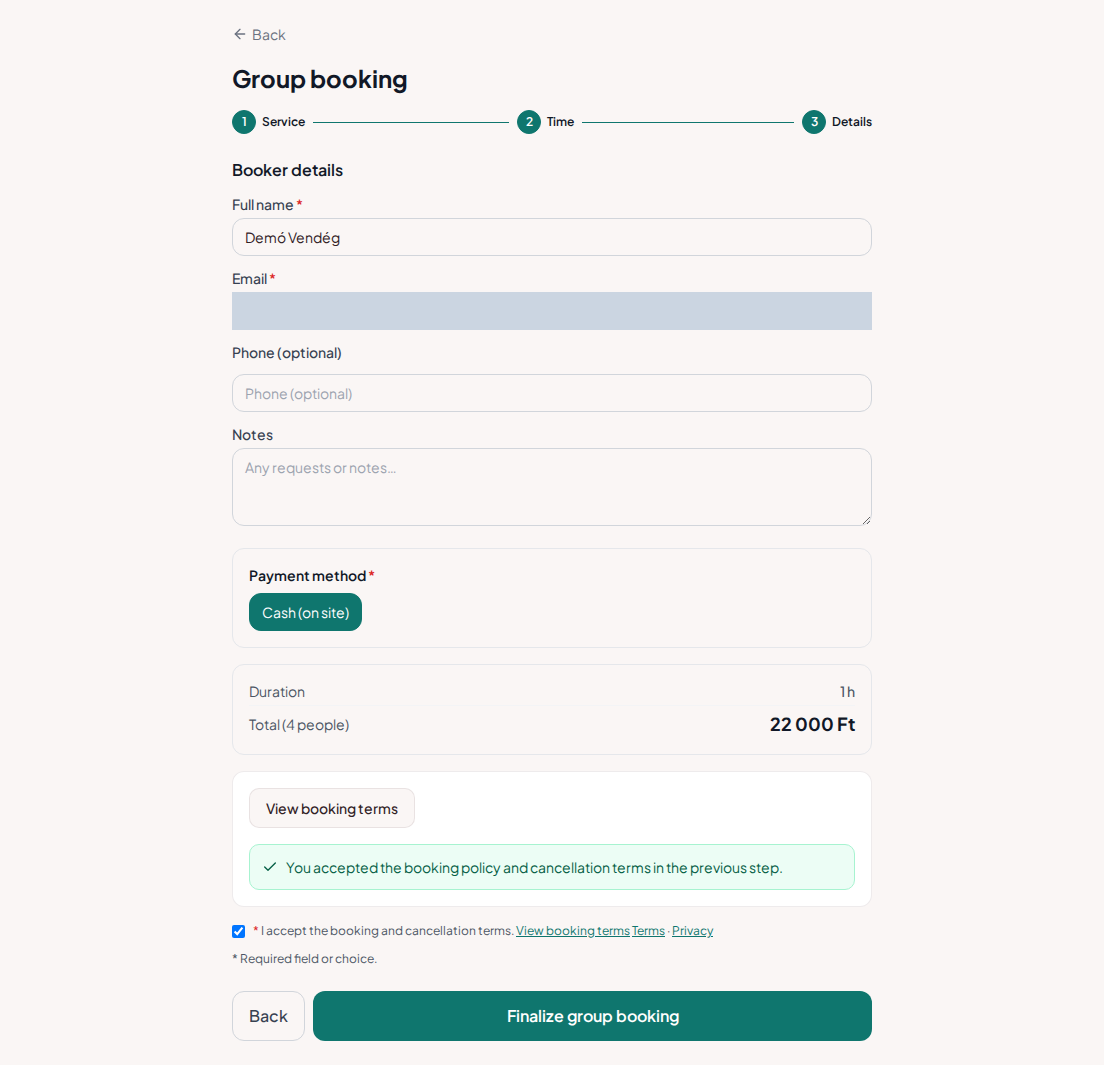
Group booking for escape rooms – Escape room group form with organiser details and team nameGroup booking for escape rooms – Escape room group form with organiser details and team name

Group size and total price together

The summary shows the game, time and number of participants. The team can check the whole booking before confirming.

Try booking
Group booking for escape rooms – Group booking summary with game, start time, number of players and total priceGroup booking for escape rooms – Group booking summary with game, start time, number of players and total price

Group bookings for escape rooms

The organiser chooses a game, enters the team size and looks for an appointment that fits the whole team. Capacity is checked against that size: three free places are not enough for four players. Try this in the demo. The summary shows the room, start time, group size and total amount together.

Clear games, group sizes and prices per person

Describe the theme, game duration and important participation requirements. When pricing per person, make that unit clear next to the price; the booking interface calculates the total from the group size. Ask for a team name or preparation details in a separate field. Guests must answer required questions before confirming.

Planning a friends' outing or company team event

For birthday groups and company events, it helps the organiser to see timing and group size in one place. Present games as separate services with their own pictures and descriptions. Share the booking link on your website. Real bookings can be checked in the provider calendar; the demo only illustrates the guest journey.

Set up your own booking page

1

Add your rooms

Enter each game's description, price and duration.

2

Set capacity and opening hours

Choose how many people can join and when games may start.

3

Add booking to your website

Use your booking link or embed the booking page.

4

Welcome your teams

See the group size, appointment time and contact person together in the booking details.

Frequently asked questions

Can a team arrive with a single booking?

Yes. In quantity-based group booking, one contact person books for the whole group.

Does the system consider group size?

Yes. Availability checks both the service's capacity and the total number of people requested.

Can I add questions for the team?

Yes. Ask for the team name or preferred game language. Answers can be required.

Does the demo reserve a room?

No. Rooms, prices and times are fictional examples. The demo reserves no places and sends no notifications.

What kind of business do you run?

See your booking page through your customer's eyes

Try the full demo, then set up your own services and calendar.

Manage bookings anywhere with the mobile app

AI Booking Partner keeps your calendar, bookings and customer contact details close at hand. Check the next appointment, review booking details or contact a guest from your phone. You can approve or edit bookings according to your permissions. Use the same provider account on Android and iPhone.

Talk to our AI assistant — wherever suits you

The same helpful assistant answers on the web and in messaging apps, around the clock. Ask about pricing and features, or try the booking demo live!