Group class with individual sign-ups
For group services, you list specific sessions. Participants sign up for the same class via separate bookings. This is different from when one organizer looks for a time slot for an entire party.
Choose how you'd like to sign in.
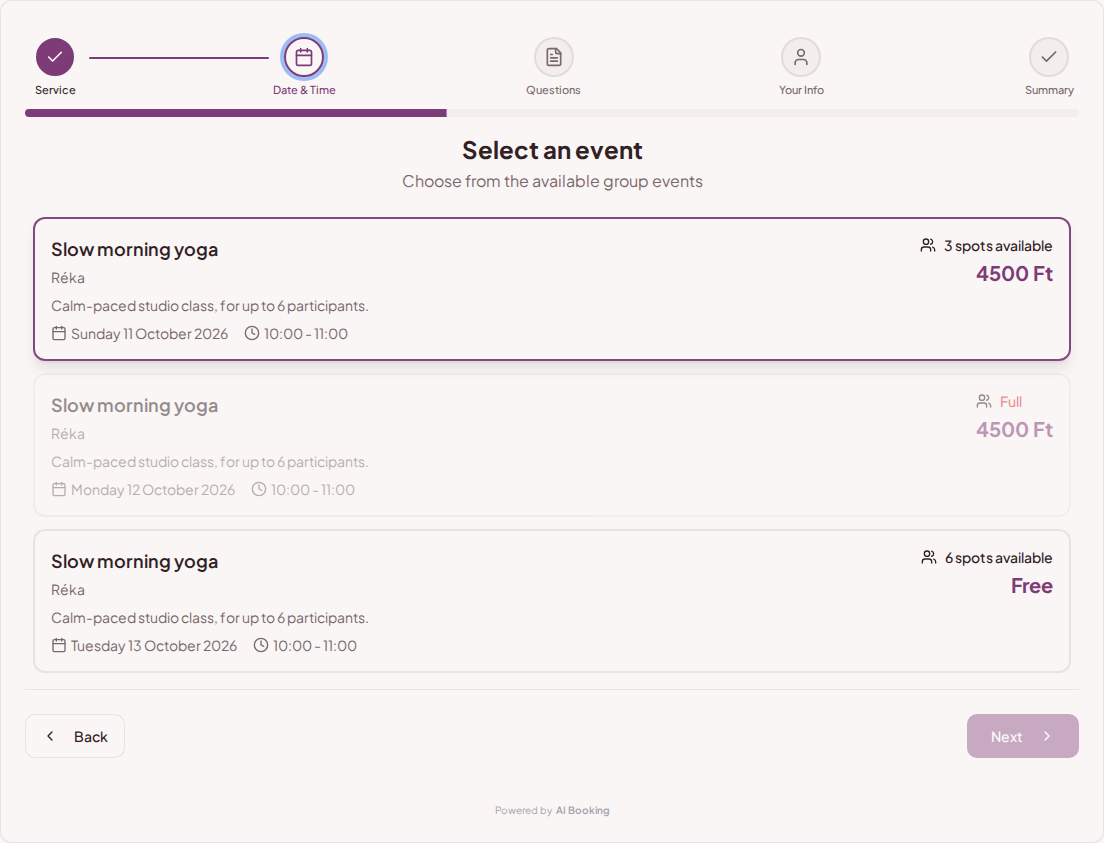
Continue as guestYour bookings, passes and reviews in one place. → Log in as a providerManage your bookings, calendar, and clients. →Listed yoga and pilates classes with dates and available spots. In the AI Booking schedule, guests can sign up individually for the same session, and you can organize both one-time and recurring events.

You provide the class start time, instructor, and participant limit. The guest chooses from the list of sessions; each separate registration reduces the available spots for that class. Once the class is full, the booker no longer offers spots.
Try booking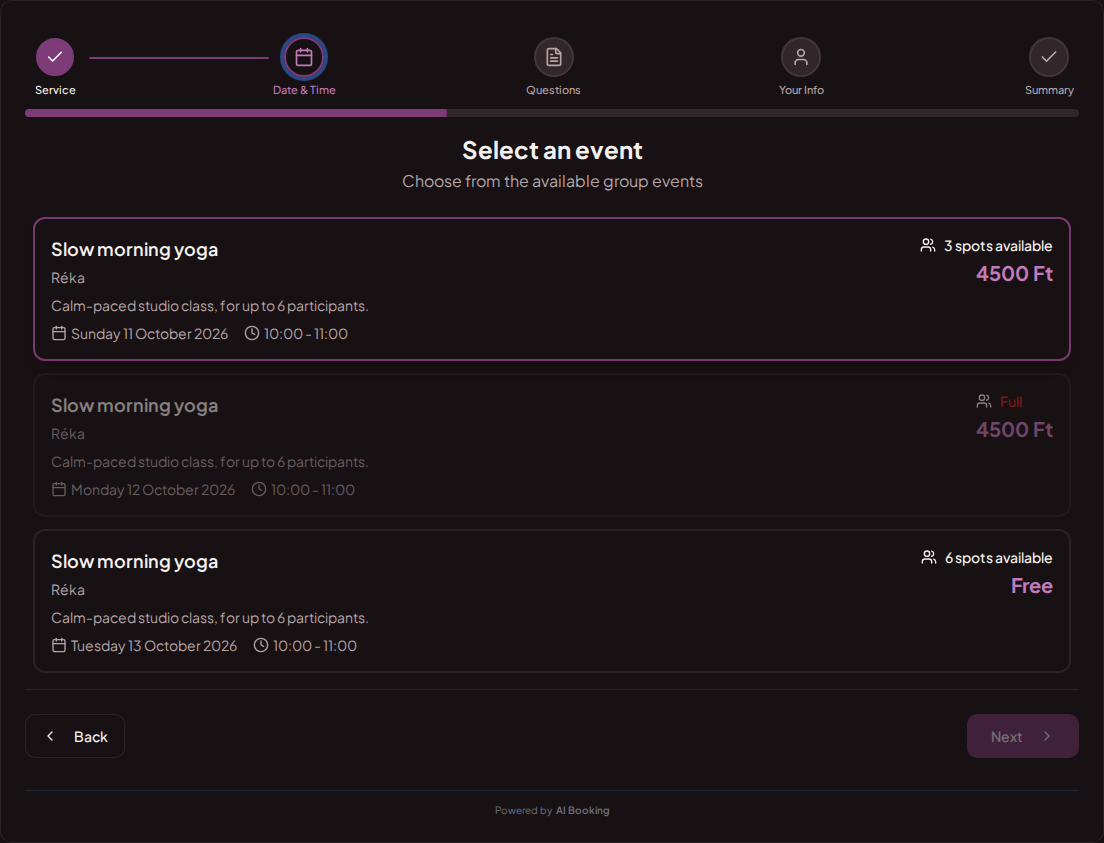
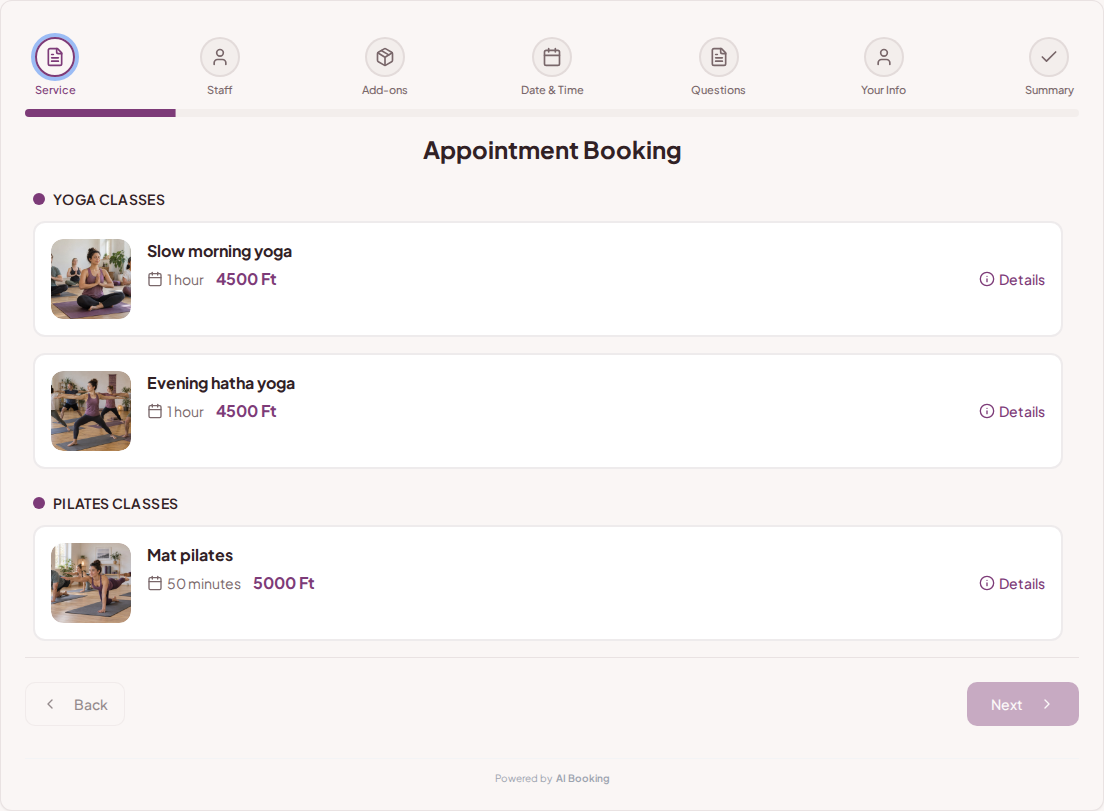
Different class types can have their own description, duration, and price. The guest can read the details of the session before choosing a spot. Categories help them navigate the studio's offerings.
Try booking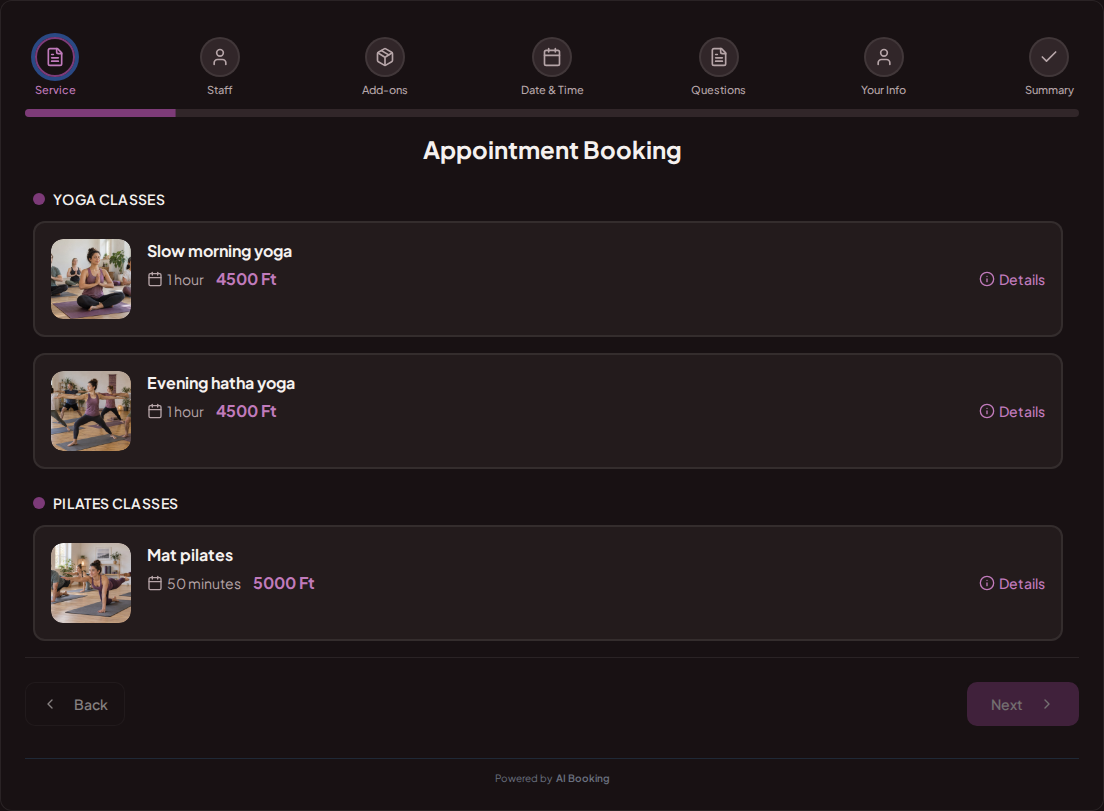
You can ask if the guest is visiting the studio for the first time. The mandatory question is filled out before the summary. Detailed professional consultation with the instructor can remain separate.
Try booking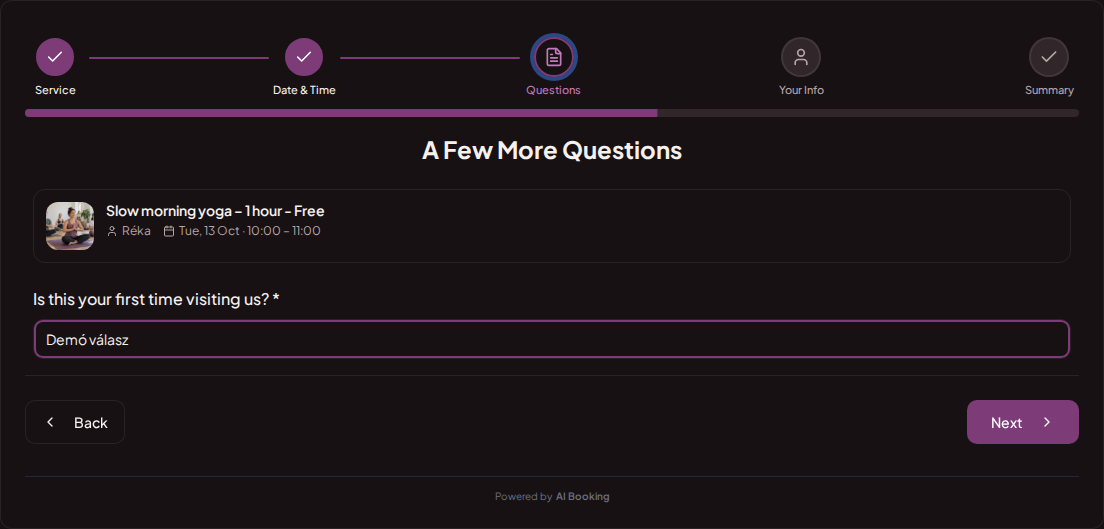
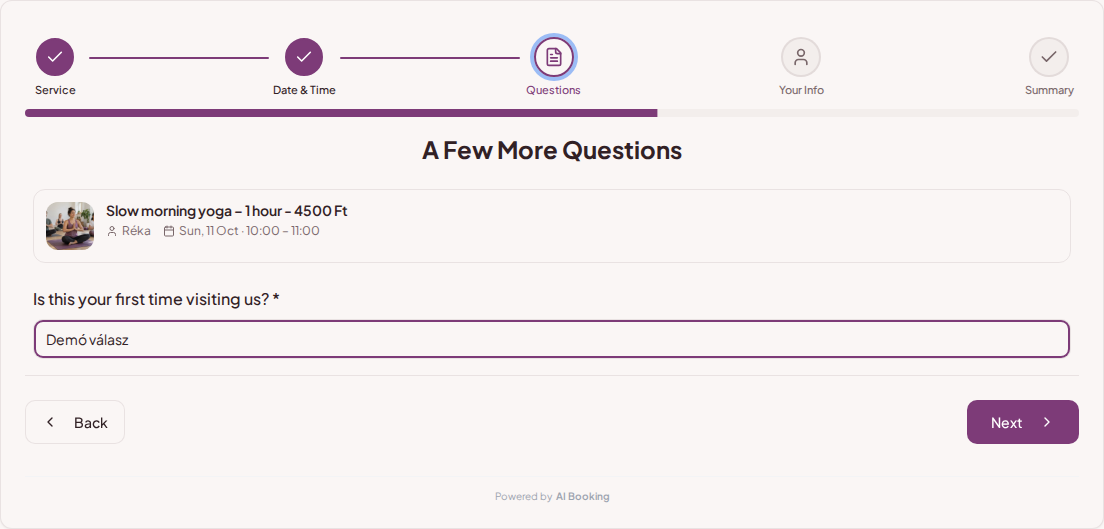
The applicant sees the class, instructor, start time, and fee together. In the AI Booking Partner app, you can open class bookings and the daily schedule even outside the studio.
Try booking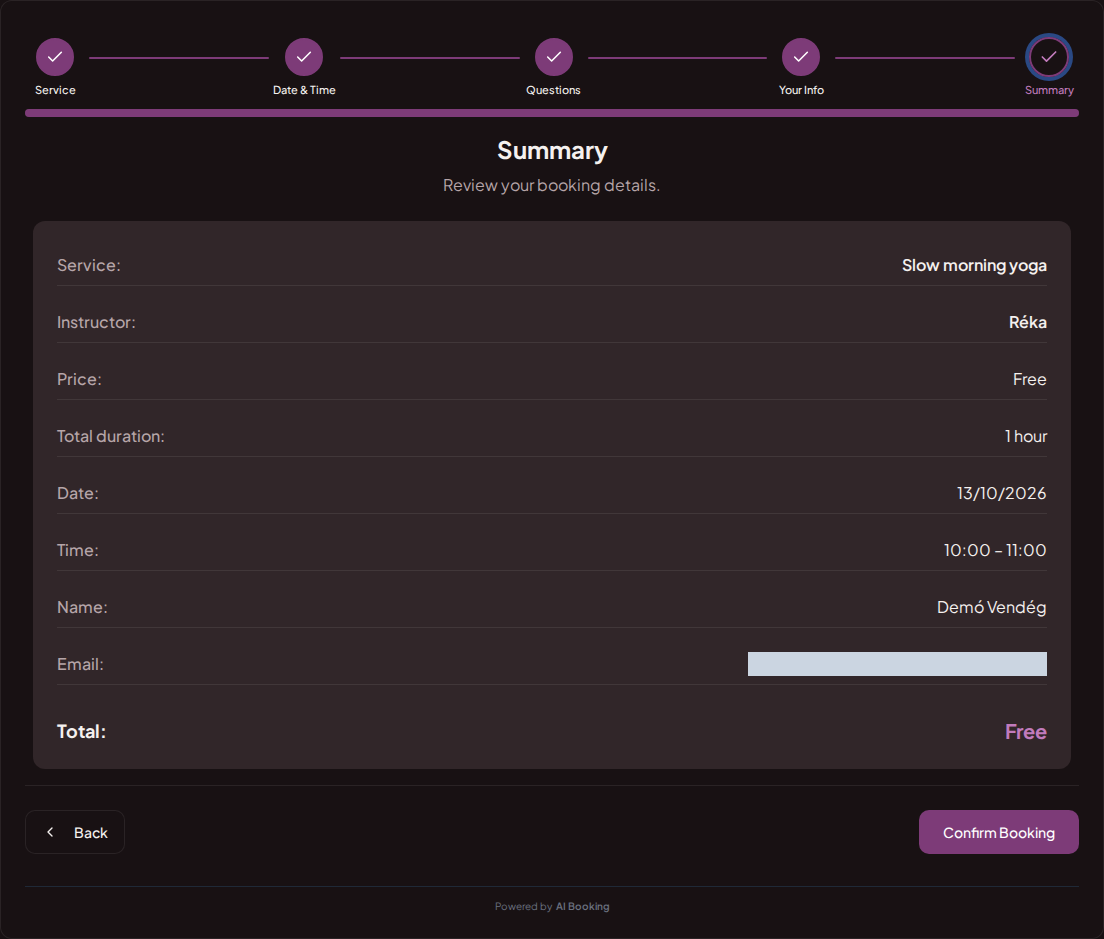
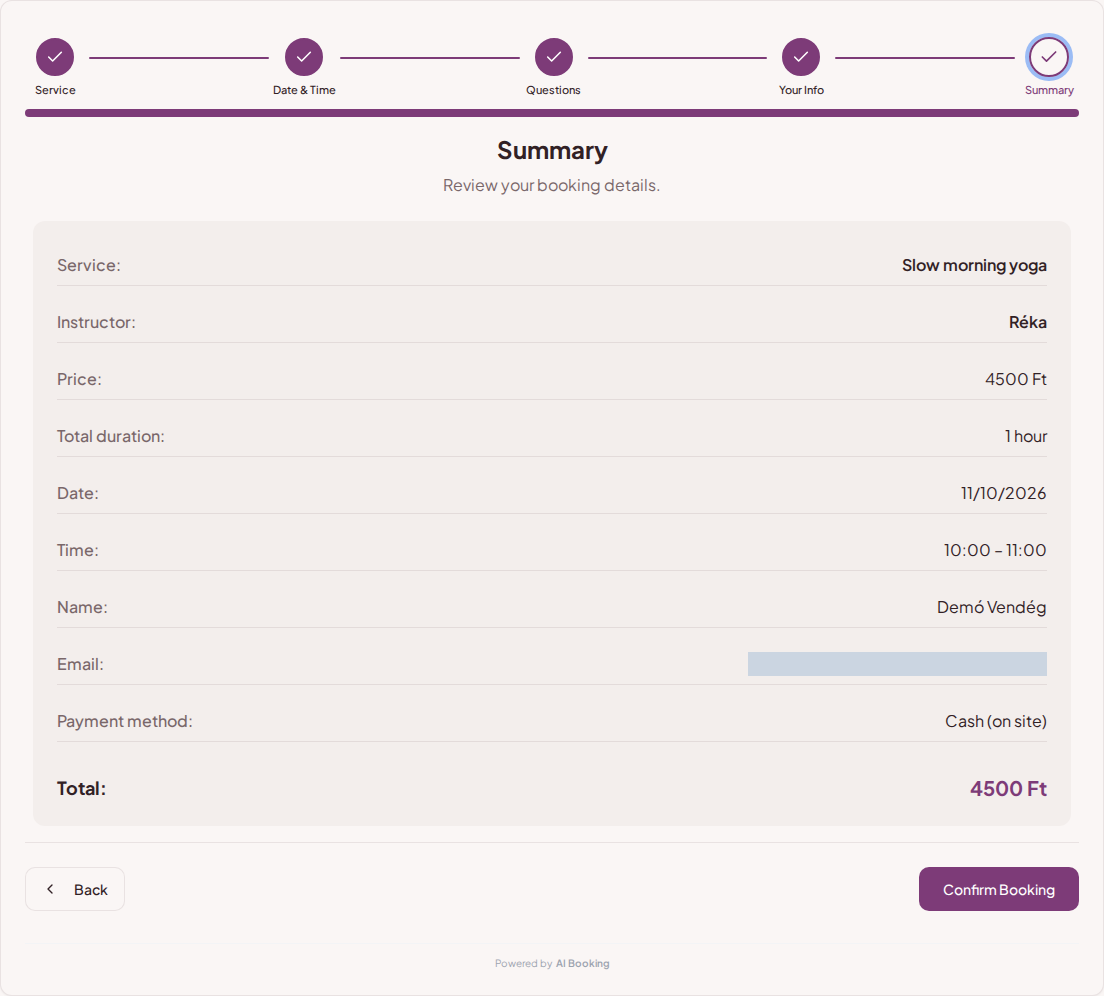
For group services, you list specific sessions. Participants sign up for the same class via separate bookings. This is different from when one organizer looks for a time slot for an entire party.
One-time classes and recurring series can be created on the Group Sessions interface. You can set the start time, instructor, price, and capacity; for weekly repetitions, you can select the corresponding days.
You can share the studio's booking page on your own website and social profiles. It can also be embedded into your website for direct booking.
Set prices, durations and the questions needed for each booking.
Choose your working hours and leave time between customers.
Add it to your website or social profile. You can also embed the booking page.
Customers choose their time; you see all booking details in one place.
In a group class, guests sign up individually for the same listed session. In a group booking, one organizer finds and books spots for multiple people.
Yes. The capacity of the given session and the number of already booked spots determine the possibility of further sign-ups.
Yes. You can organize services into their own categories.
Yes. One-time and recurring sessions can be created on the Group Sessions interface, with date, instructor, and participant limit.
If the advertised spots are gone, the booker does not offer further space for that specific class.
Try the full demo, then set up your own services and calendar.
AI Booking Partner keeps your calendar, bookings and customer contact details close at hand. Check the next appointment, review booking details or contact a guest from your phone. You can approve or edit bookings according to your permissions. Use the same provider account on Android and iPhone.
The same helpful assistant answers on the web and in messaging apps, around the clock. Ask about pricing and features, or try the booking demo live!