Consultation with online booking
Design consultation can be booked as a standalone session with its own duration and fee. You can offer pre-arranged works as separate services.
Choose how you'd like to sign in.
Continue as guestYour bookings, passes and reviews in one place. → Log in as a providerManage your bookings, calendar, and clients. →Consultation, small design, or longer tattooing session: you can give each a separate time and description. On the AI Booking tattoo booking page, the guest selects the occasion and the artist, then provides the preliminary info needed to discuss the design and placement.

Discussing a design to be planned is a different service than a previously agreed tattooing session. You can put consultations and tattooing into separate categories. In the description, you can make it clear which session should be chosen and when.
Try booking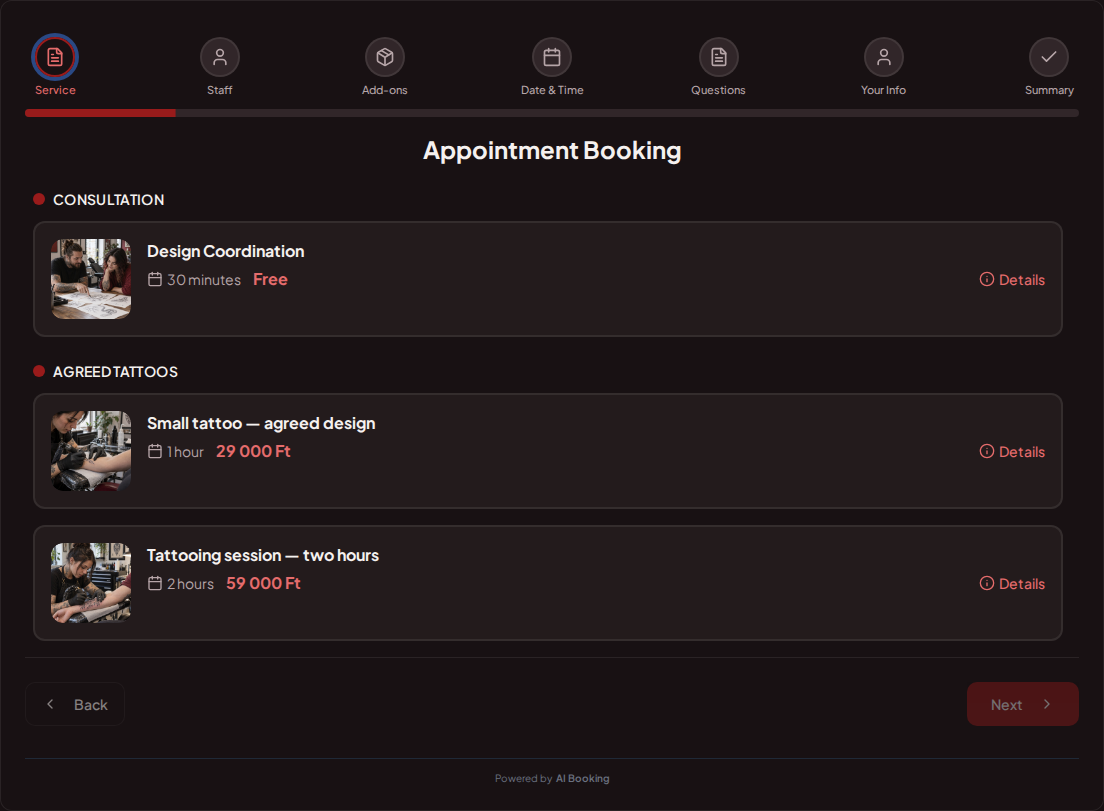
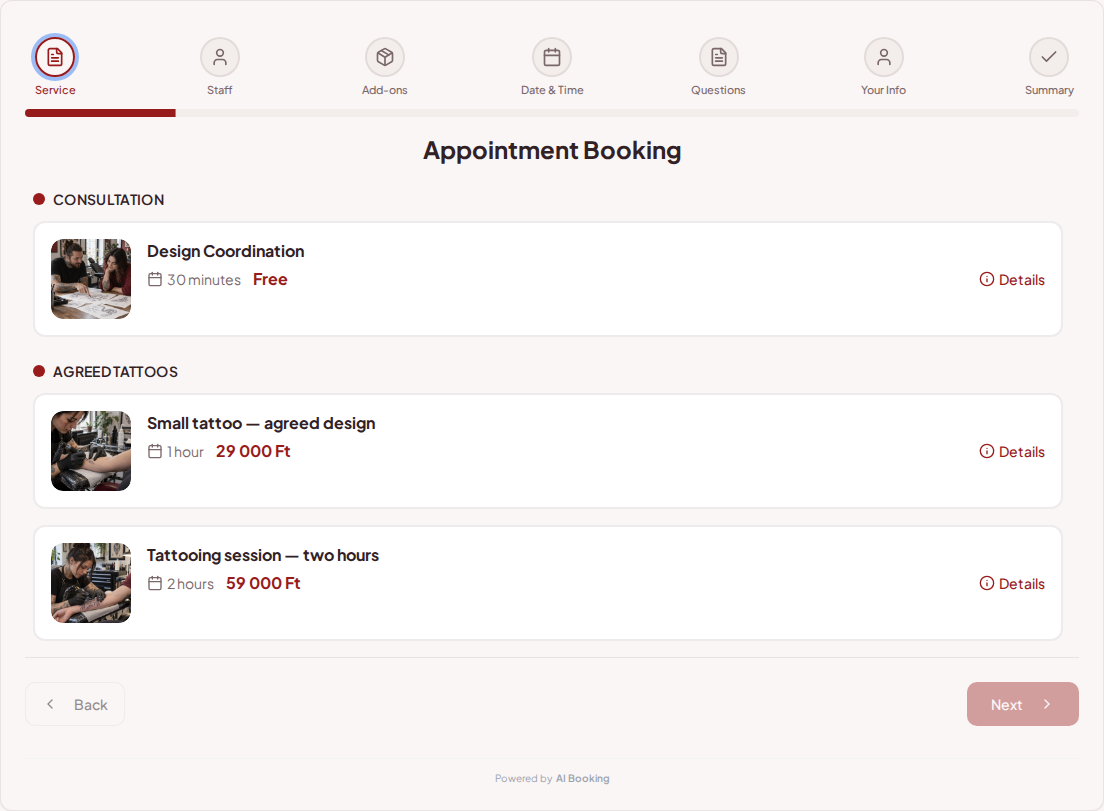
You can specify shorter and longer sessions with different durations. With multiple artists, the guest can choose a specific person. You can leave breaks in the calendar for prep and disinfection.
Try booking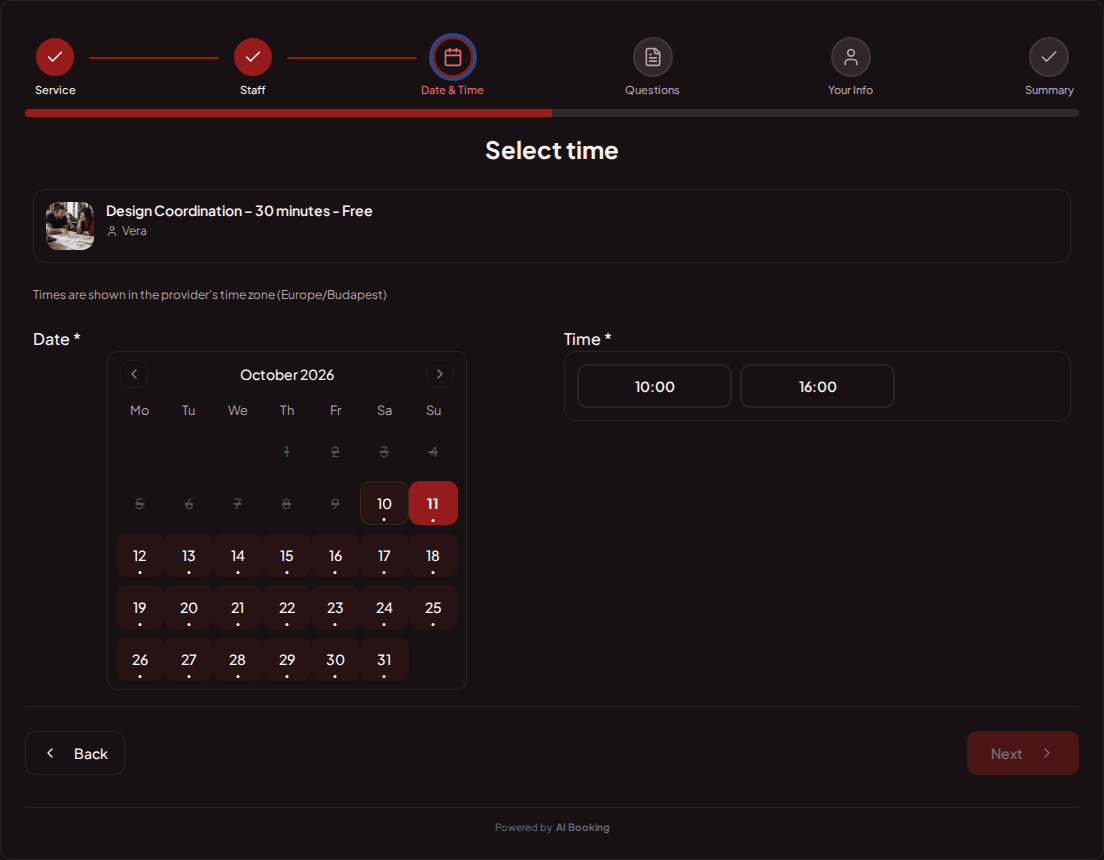
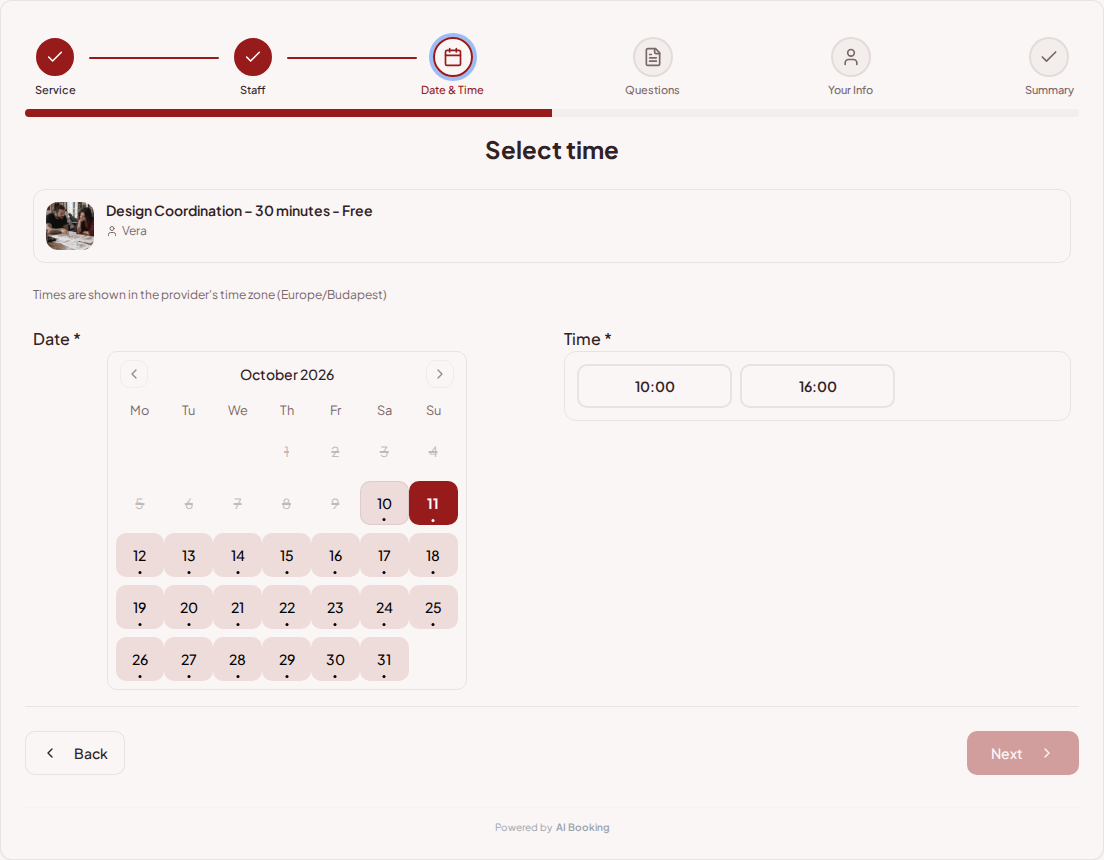
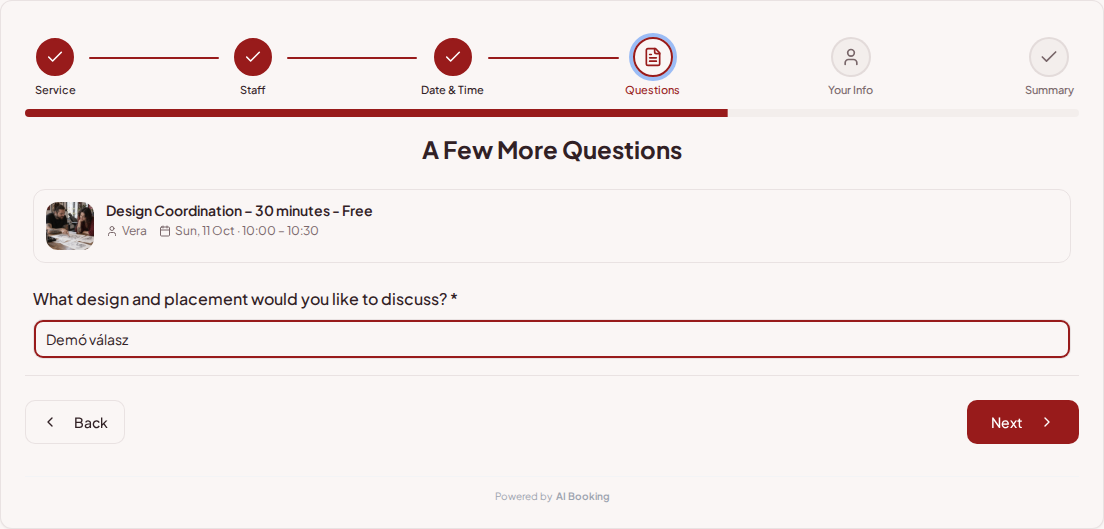
Ask about the planned design and placement in the booking question. The answer helps with preliminary coordination; the final design and the details of the committed work are still discussed with the guest.
Try booking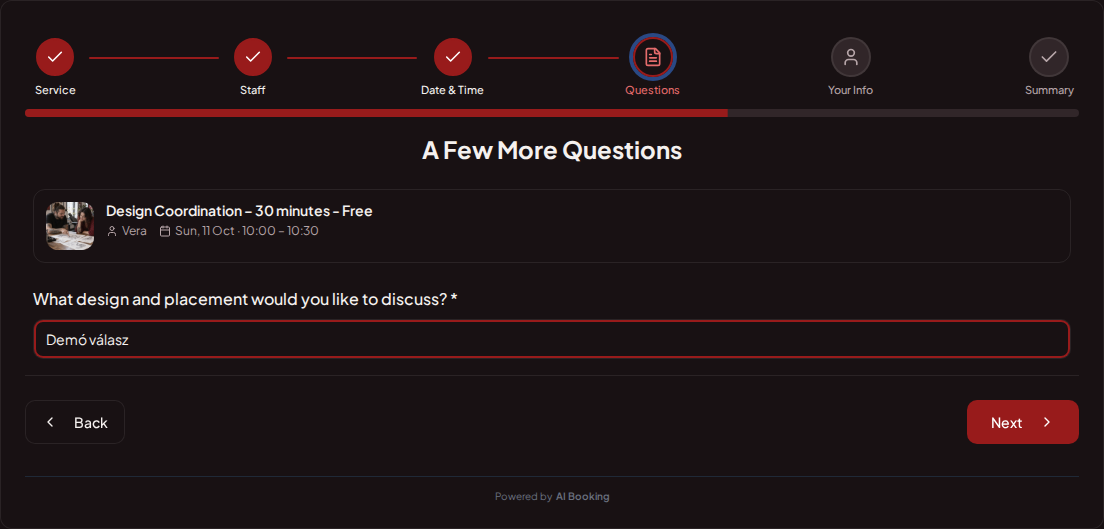
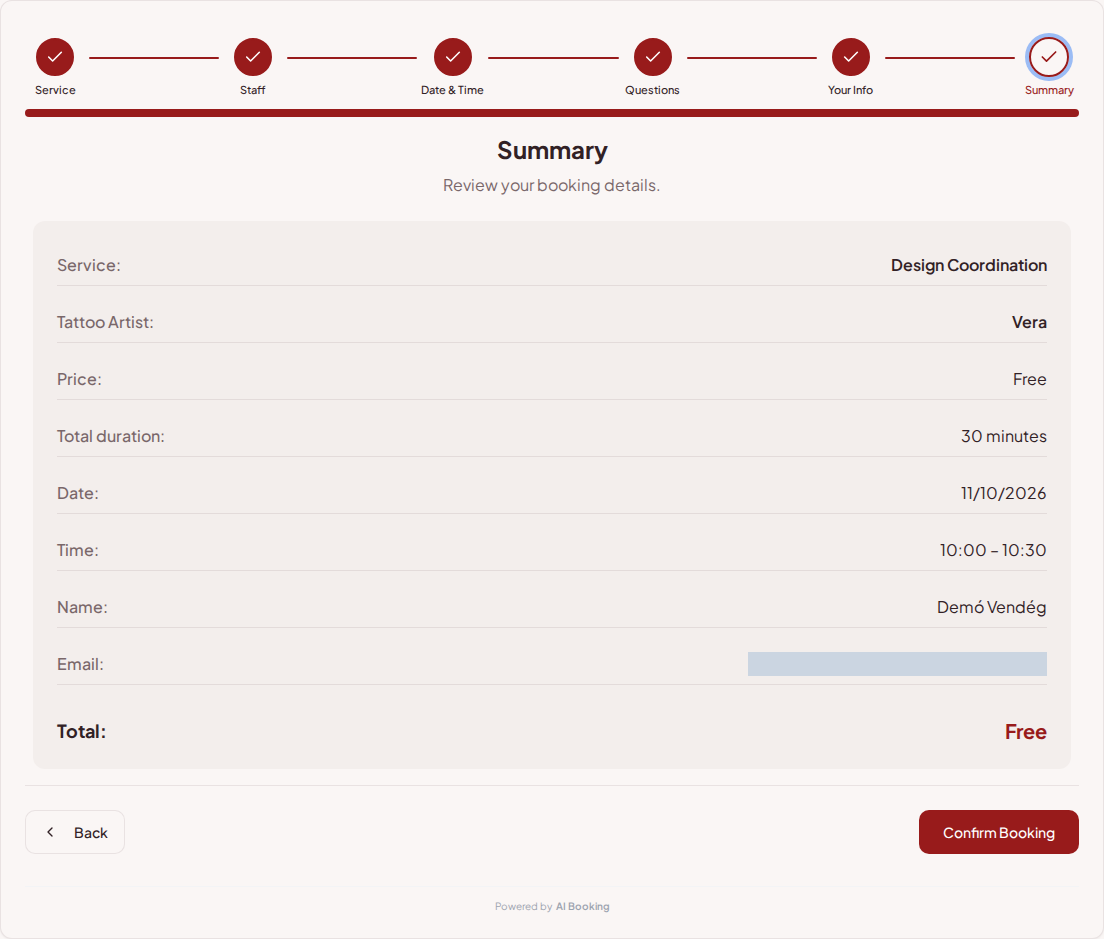
The summary shows the session, the chosen artist, and the price. In the AI Booking Partner app, you can open the next consultation's time and booking questions even away from the workstation.
Try booking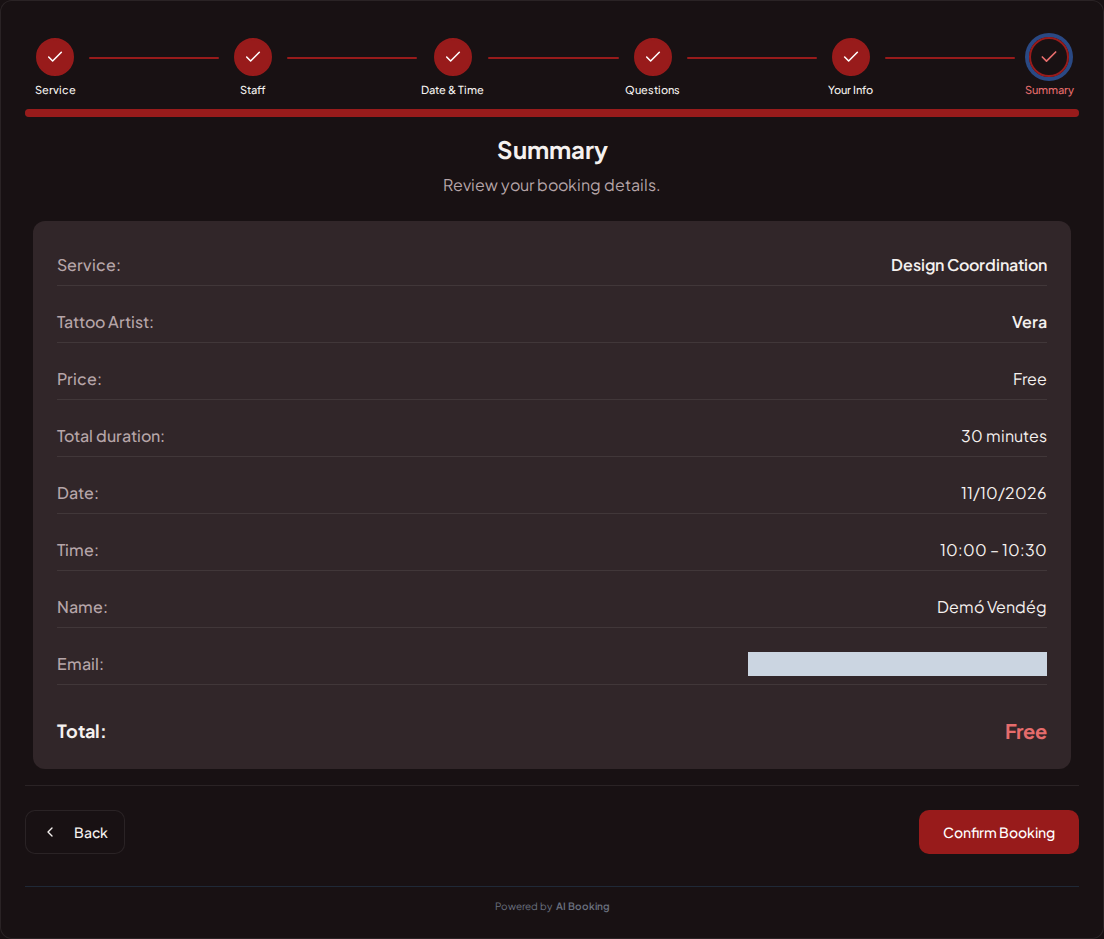
Design consultation can be booked as a standalone session with its own duration and fee. You can offer pre-arranged works as separate services.
In the studio, you can assign services to staff members. The name helps with selection and later organization. The calendar shows bookable time slots, and the studio's own rules determine modification options.
On your existing website, you can place the booking link or the embedded interface next to your work. The gallery is separately available on the provider page. You can also open the calendar and customer data from the mobile app.
Set prices, durations and the questions needed for each booking.
Choose your working hours and leave time between customers.
Add it to your website or social profile. You can also embed the booking page.
Customers choose their time; you see all booking details in one place.
Yes. As an independent service, it can have its own duration and price.
Yes. A separate duration can be set for each service.
Yes. The service can be assigned to the appropriate staff members.
Yes. You can request a preliminary description with a custom question.
Yes. The booking link or embedding can be used on your website; the provider gallery is accessible from a separate menu item.
Try the full demo, then set up your own services and calendar.
AI Booking Partner keeps your calendar, bookings and customer contact details close at hand. Check the next appointment, review booking details or contact a guest from your phone. You can approve or edit bookings according to your permissions. Use the same provider account on Android and iPhone.
The same helpful assistant answers on the web and in messaging apps, around the clock. Ask about pricing and features, or try the booking demo live!