Online car detailing booking on your own website
The embedded booker can appear directly alongside your services. A shareable link from your social profile also leads to the appropriate offer.
Choose how you'd like to sign in.
Continue as guestYour bookings, passes and reviews in one place. → Log in as a providerManage your bookings, calendar, and clients. →Interior cleaning, exterior care, and full packages as separate services. On the AI Booking car detailing booking page, the customer learns about the scope of work, provides the car details, and then books for the required time.
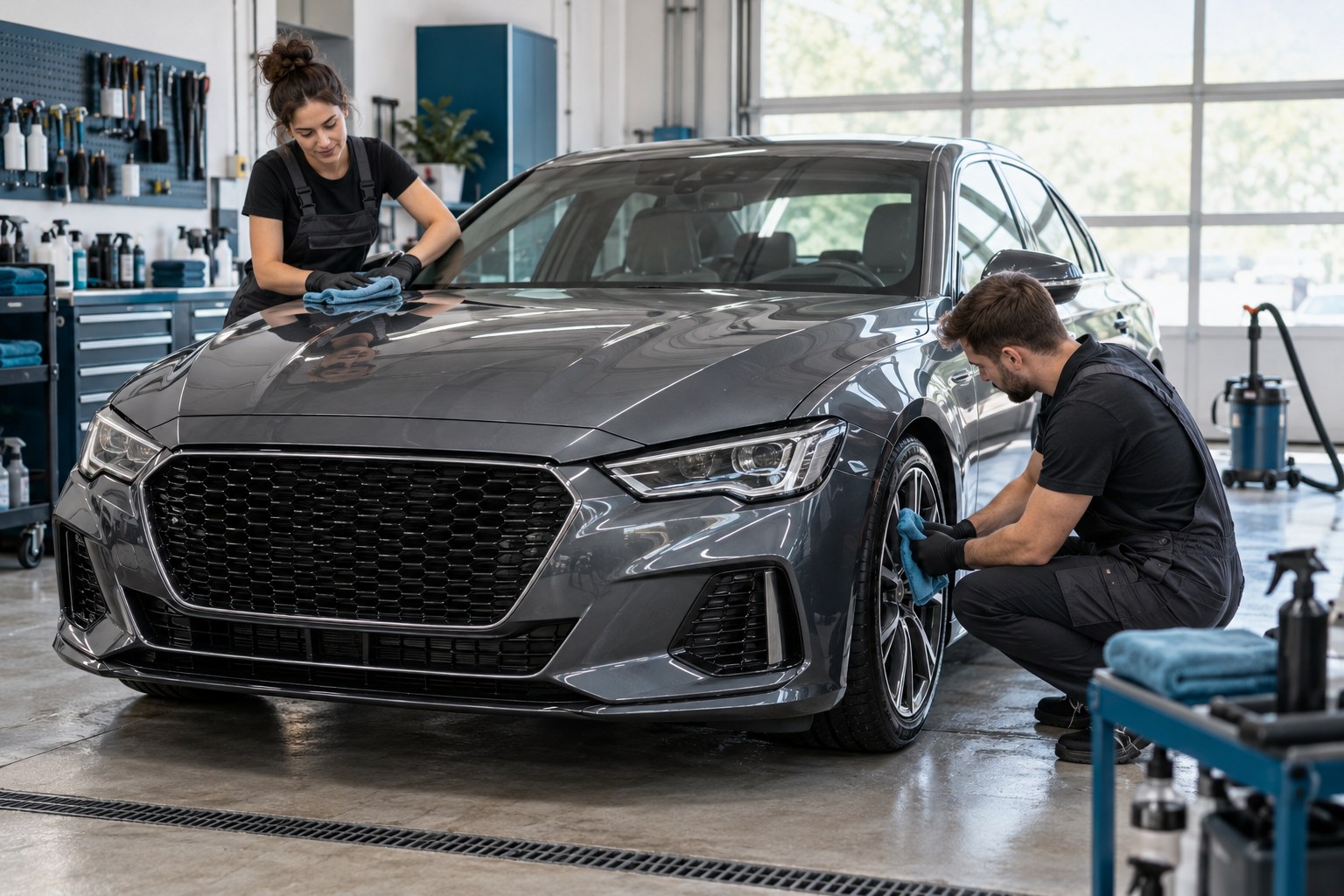
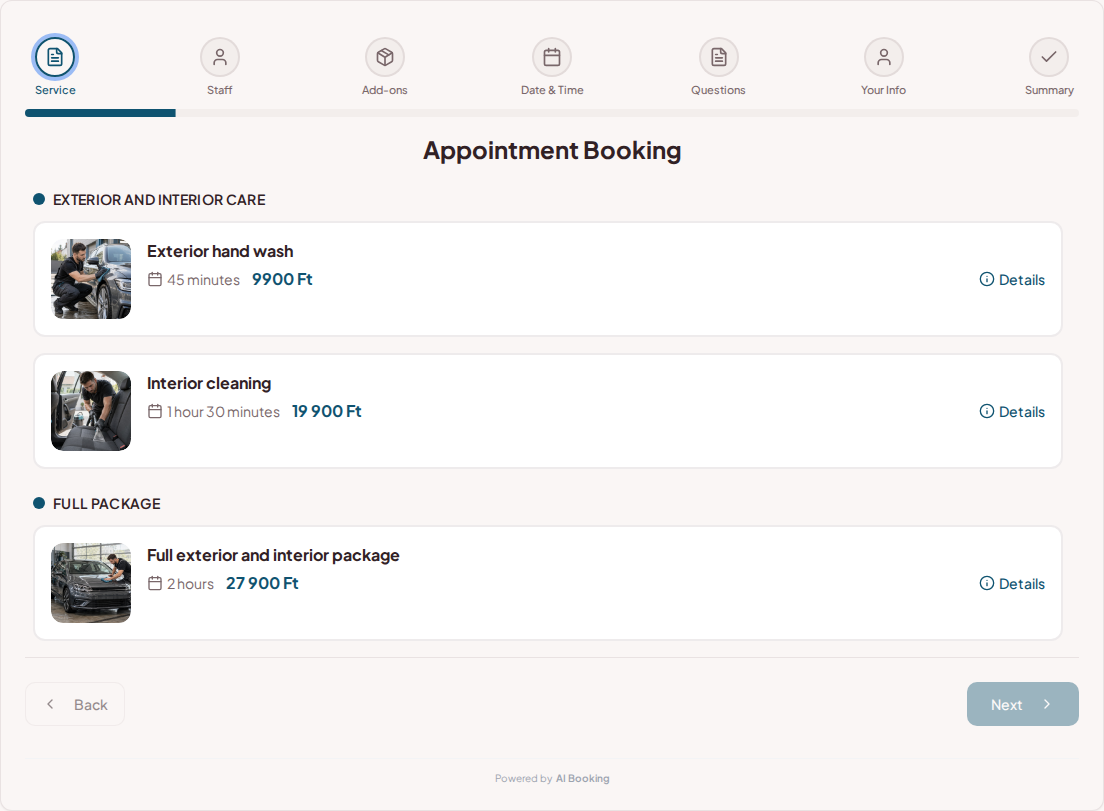
You can present exterior washing and longer interior cleaning with separate descriptions. You can specify the price, duration, and which vehicle the package applies to. This way, the customer understands what they are booking.
Try booking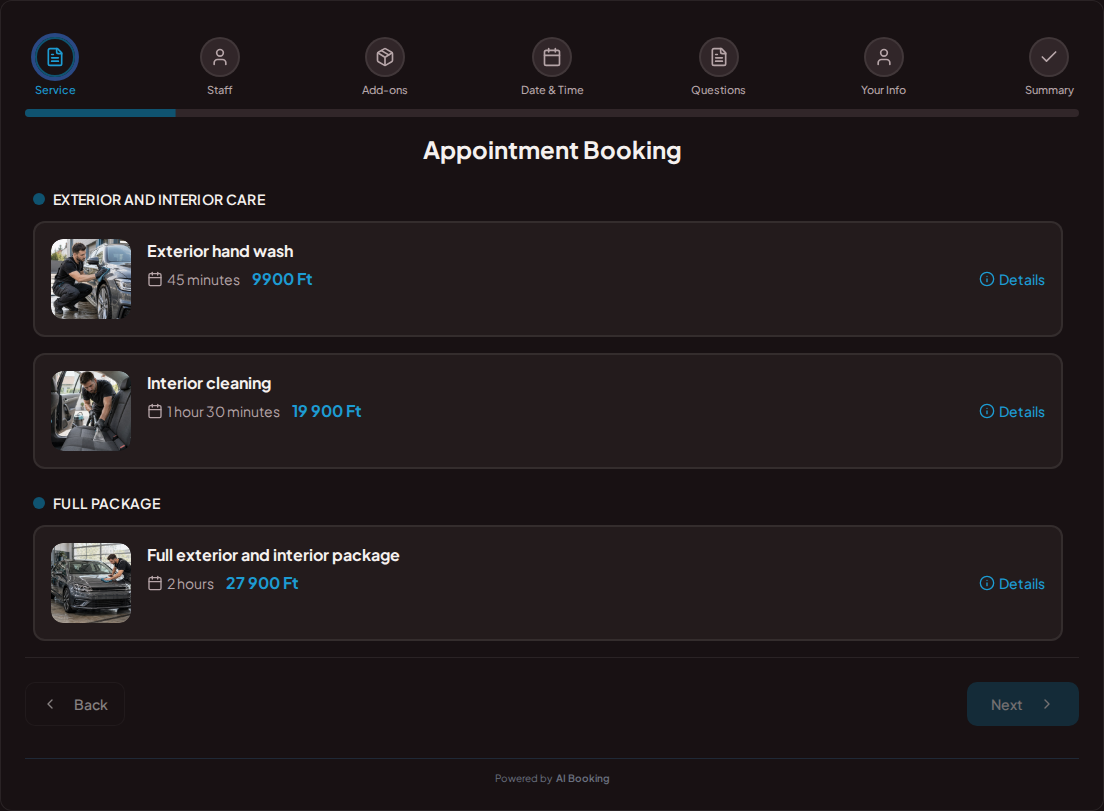
The booker accounts for the duration of the selected work. Staff schedules, preparation breaks, and blocked periods can also be configured. The appropriate free time slot appears for longer packages.
Try booking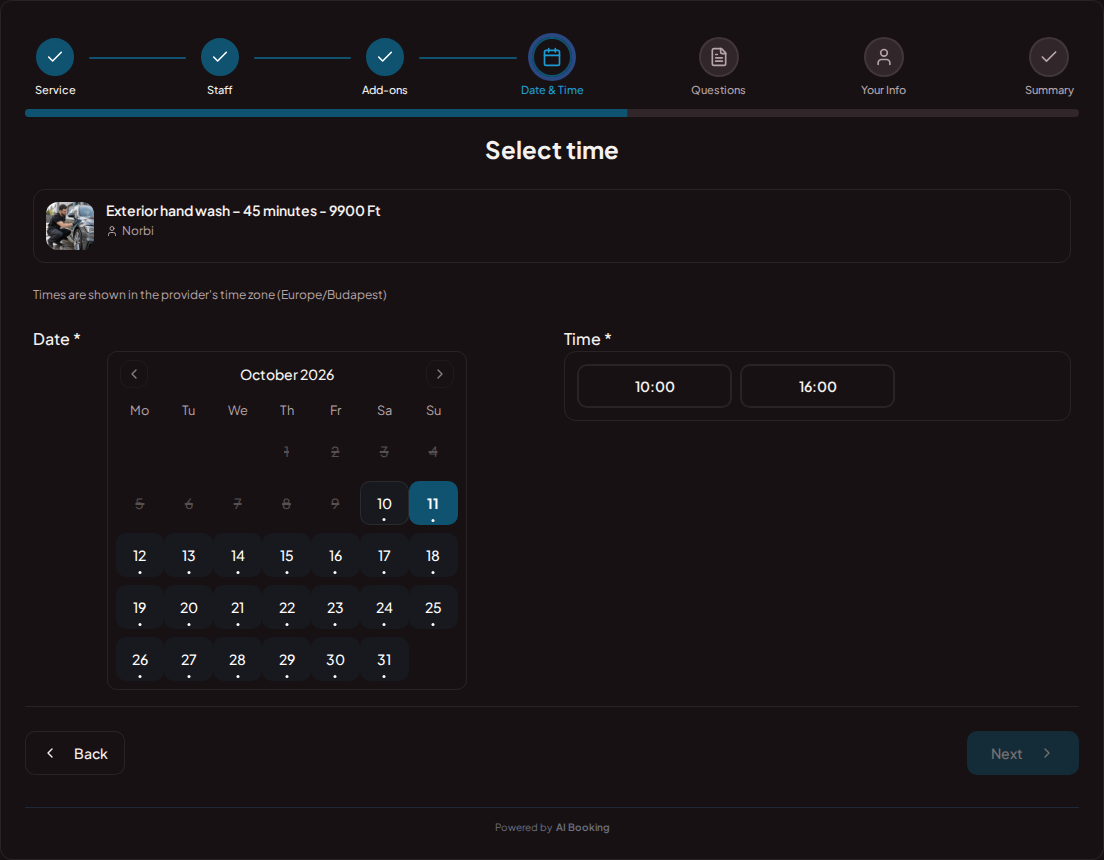
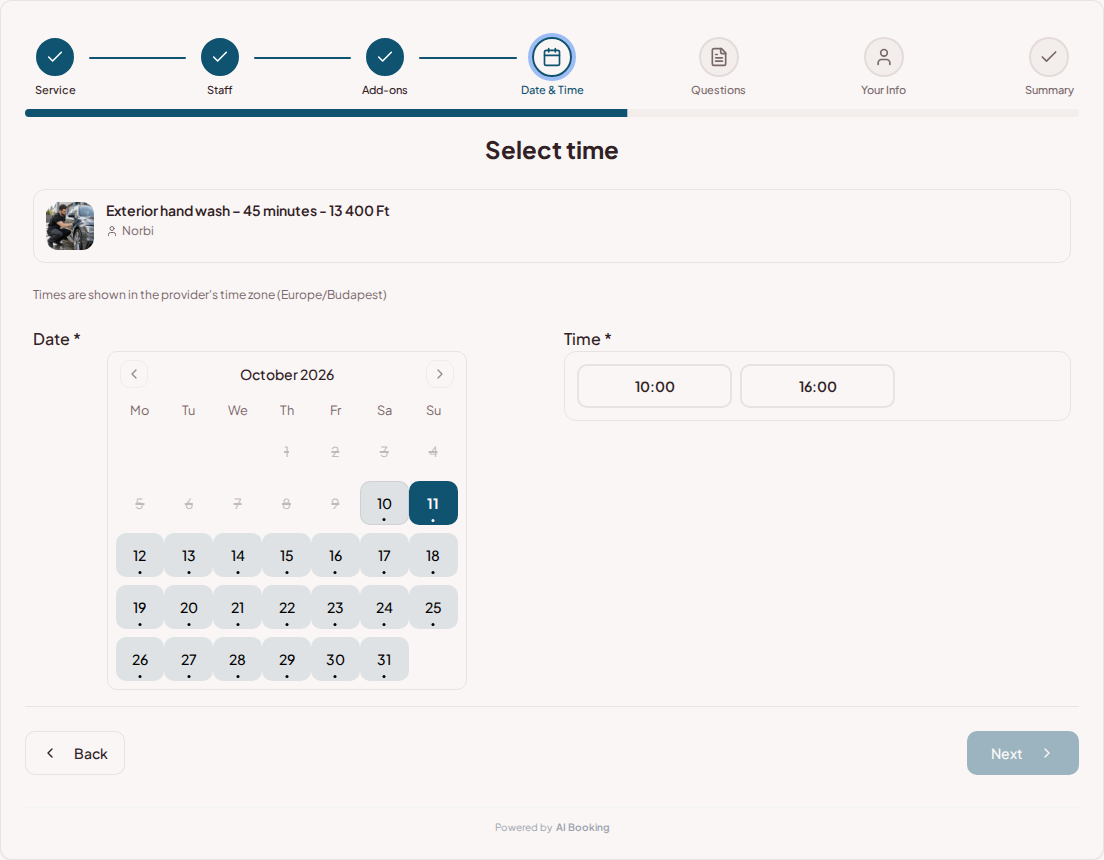
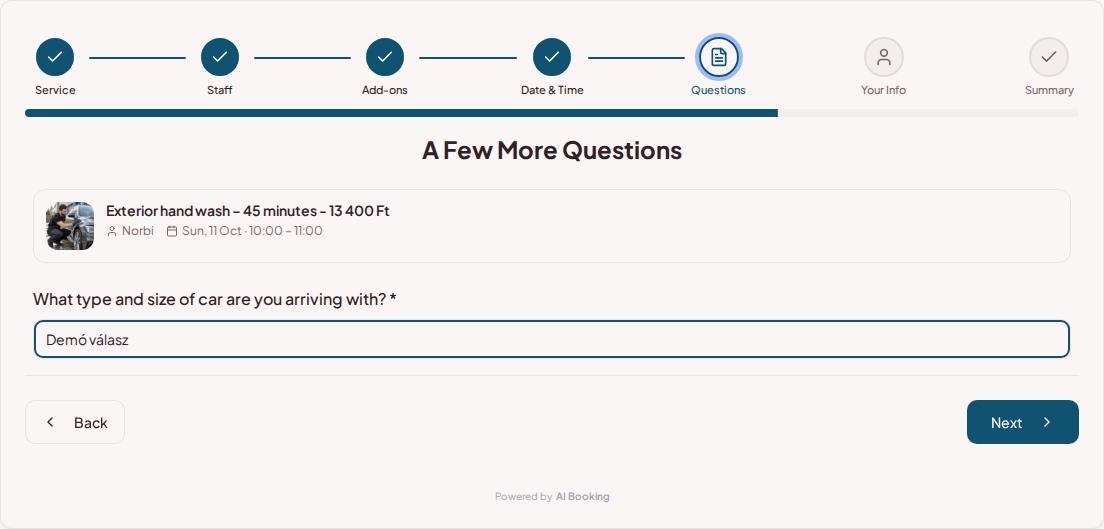
You can request the car type and size in a custom question. Selectable add-ons appear separately and can increase the booking length if necessary. Mandatory questions must be filled out before the summary.
Try booking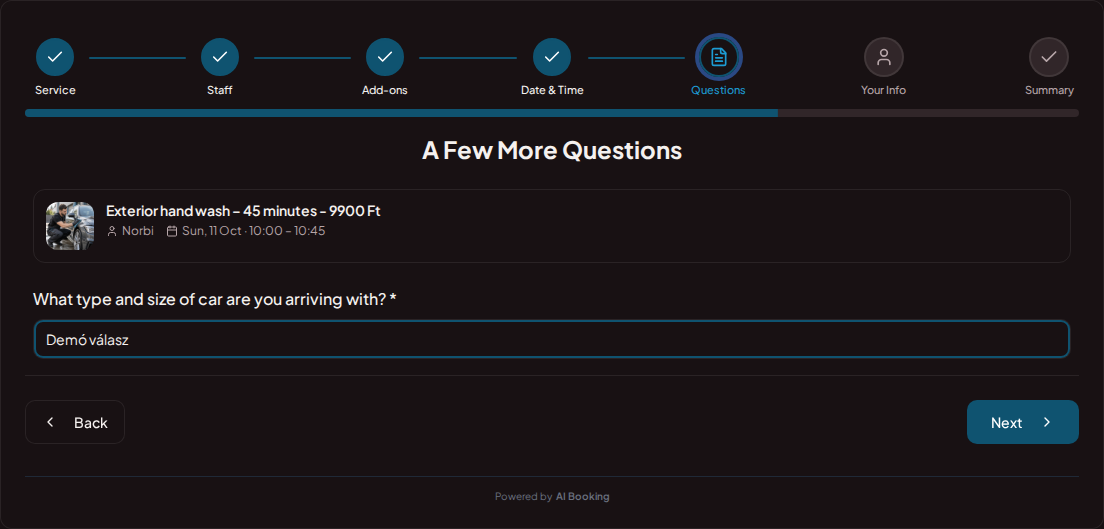
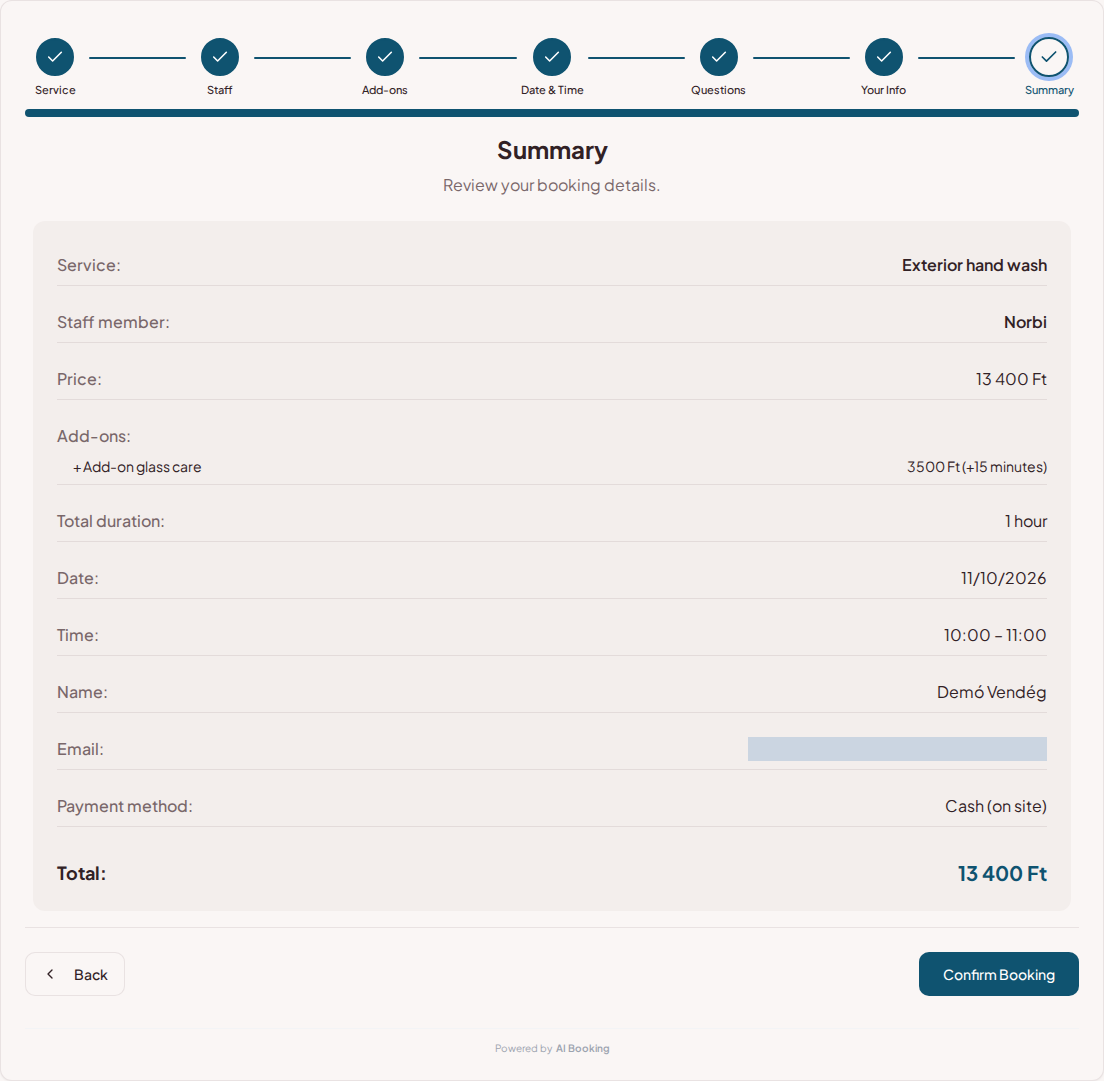
The cleaning package, add-ons, time, and price appear together in the summary. In the AI Booking Partner app, you can access the vehicle's provided data and the customer's phone number, if provided, right in the workshop.
Try booking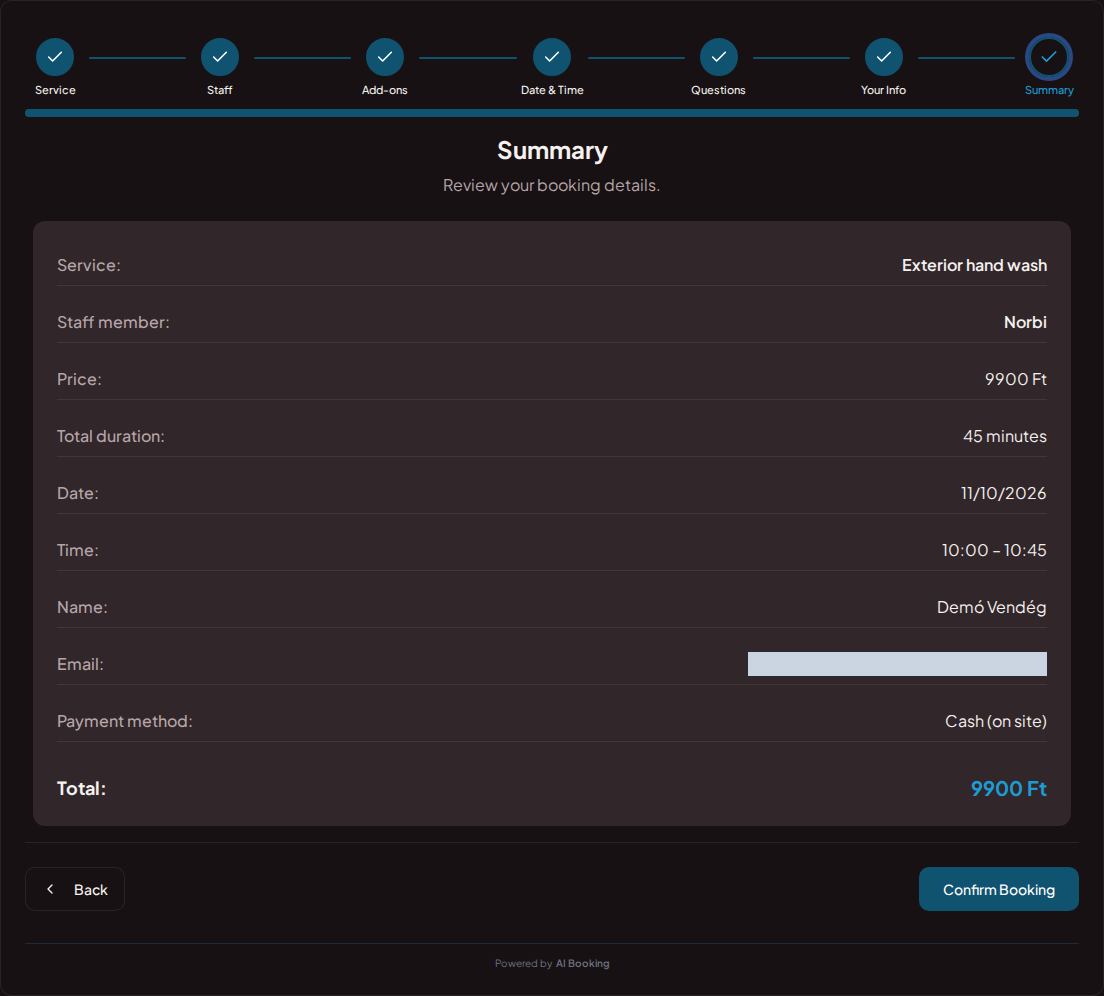
The embedded booker can appear directly alongside your services. A shareable link from your social profile also leads to the appropriate offer.
In the package description, you can clarify the vehicle size and the content of the work. If the final fee requires a condition assessment, you can indicate this in advance; the bookable time follows the specified service.
You can assign services to the appropriate staff members. Bookings, modifications, and authorized notifications can be tracked in the same system, even from mobile.
Set prices, durations and the questions needed for each booking.
Choose your working hours and leave time between customers.
Add it to your website or social profile. You can also embed the booking page.
Customers choose their time; you see all booking details in one place.
Yes. You can create separate services with their own price and duration.
Yes. You can add custom, even mandatory, questions to the booking.
Yes. The add-on fee and required time can be added to the basic booking.
Yes. The service duration determines the required booking time.
Yes. In the package description, you can indicate which car and what type of cleaning the price and duration apply to.
Try the full demo, then set up your own services and calendar.
AI Booking Partner keeps your calendar, bookings and customer contact details close at hand. Check the next appointment, review booking details or contact a guest from your phone. You can approve or edit bookings according to your permissions. Use the same provider account on Android and iPhone.
The same helpful assistant answers on the web and in messaging apps, around the clock. Ask about pricing and features, or try the booking demo live!