
The Pro plan is free until December 31, 2026 — every feature, without a bank card. Pro free until Dec. 31, 2026 Sign up for free →
AI Booking

Online időpontfoglaló körmösöknek

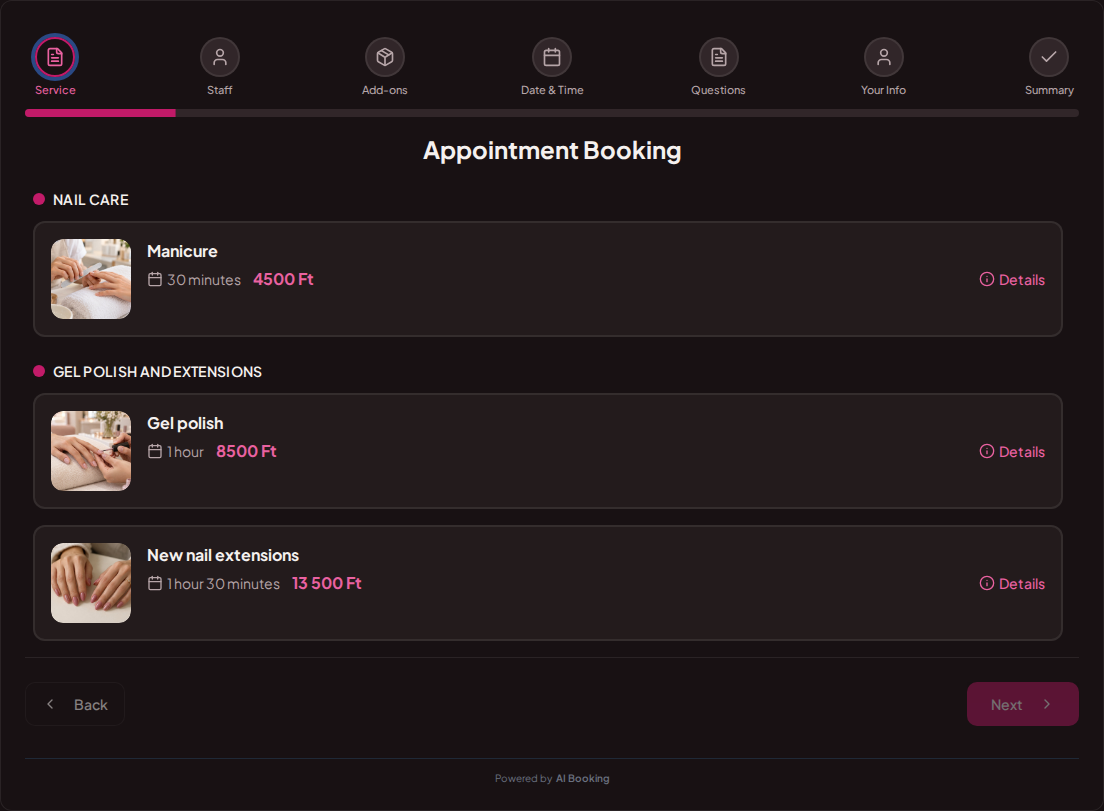
Gel polish, a manicure or extensions: customers see the price and duration, then pick an available time. You can focus on your work.

Bright nail salon with manicure tables and gel polish

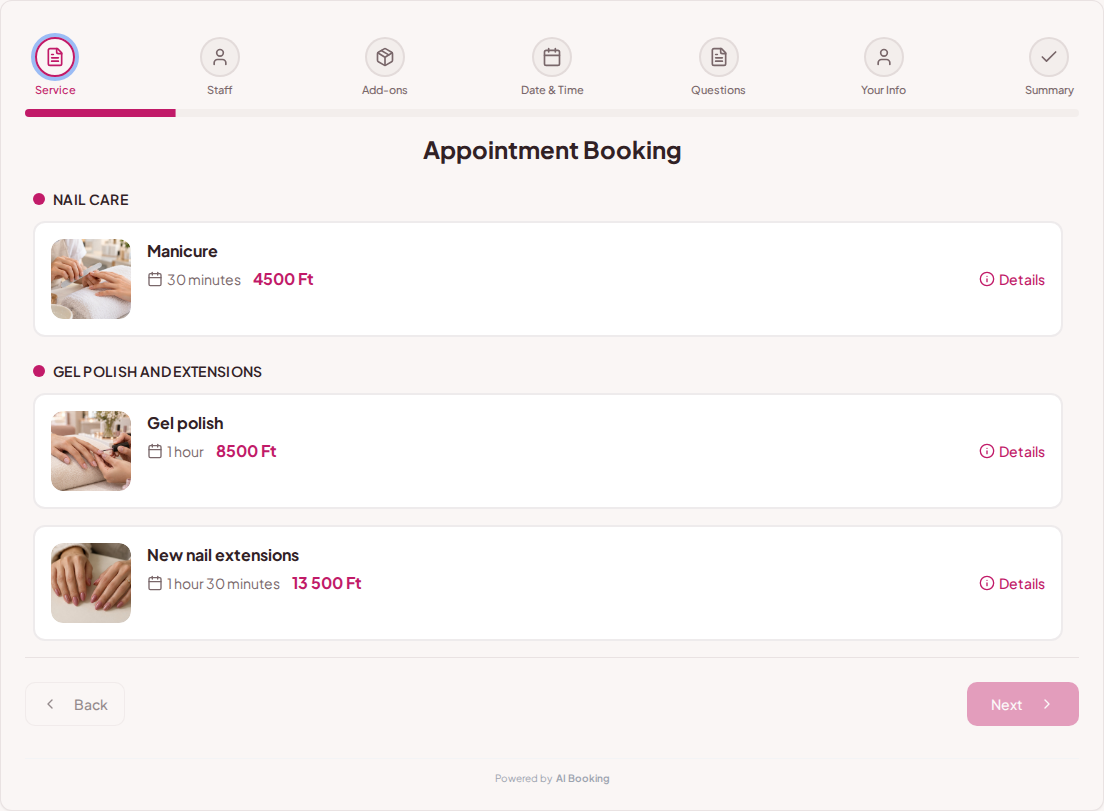
Customers know what they are booking

List gel polish, extensions and infills separately. Give each treatment its own price, duration and description, saving messages about the available options.

Try booking
Online booking for nail salons – Gel polish, manicure and nail extensions with photos, prices and treatment timesOnline booking for nail salons – Gel polish, manicure and nail extensions with photos, prices and treatment times

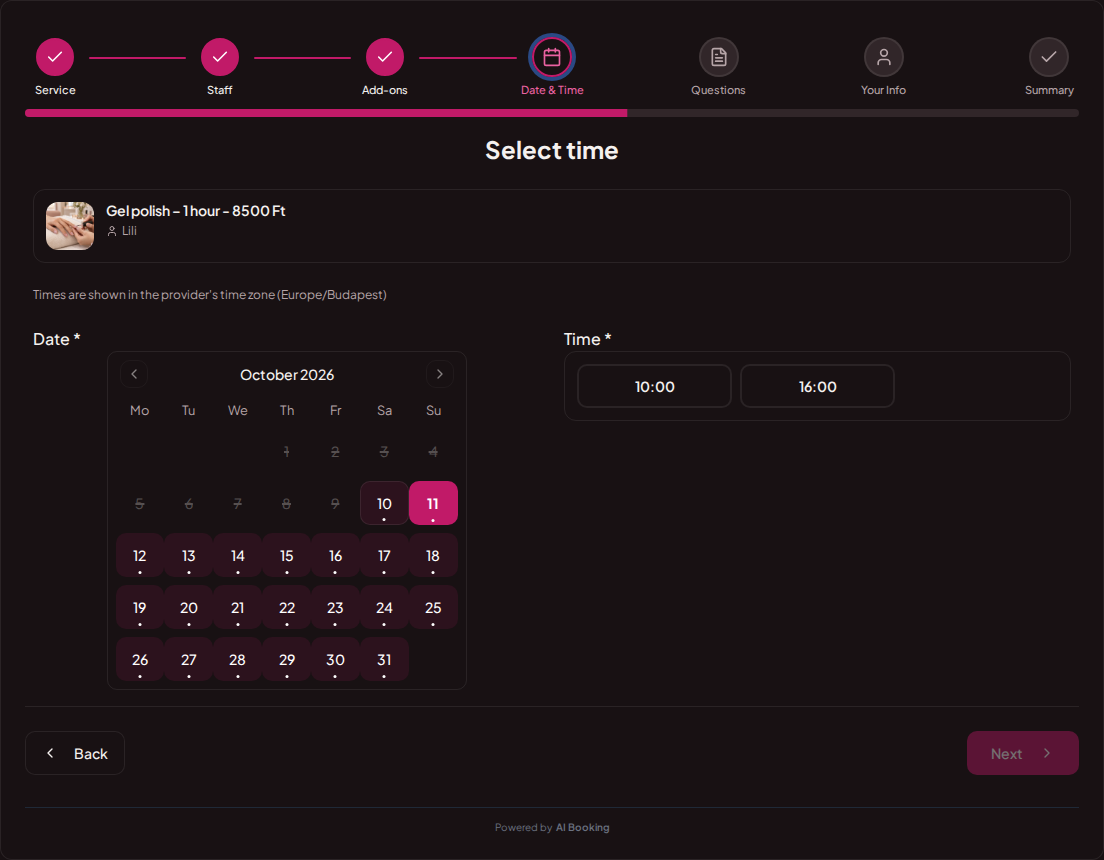
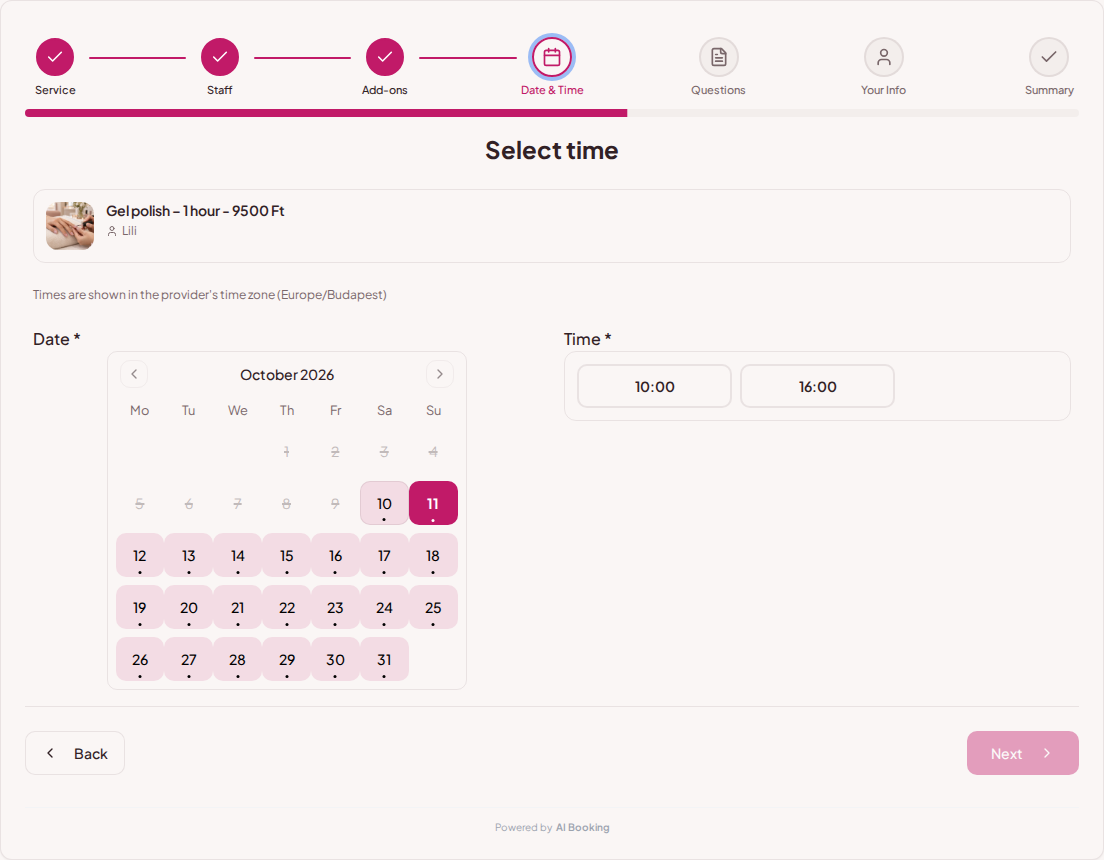
The appointment fits the treatment

A manicure and a new set take different amounts of time. The calendar shows times for the selected service; you can leave breaks for preparation and tidying up.

Try booking
Online booking for nail salons – Calendar and available times for the selected nail treatmentOnline booking for nail salons – Calendar and available times for the selected nail treatment

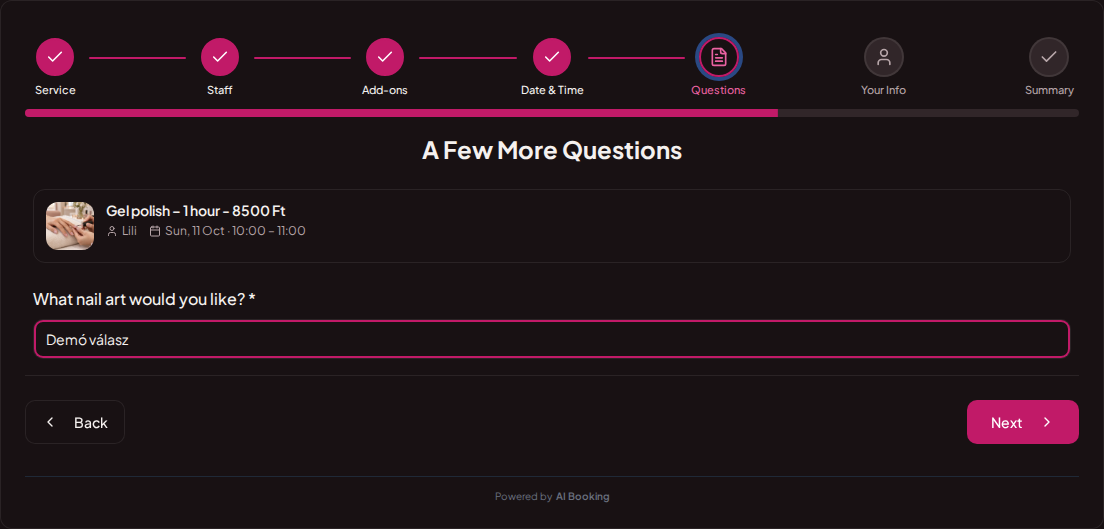
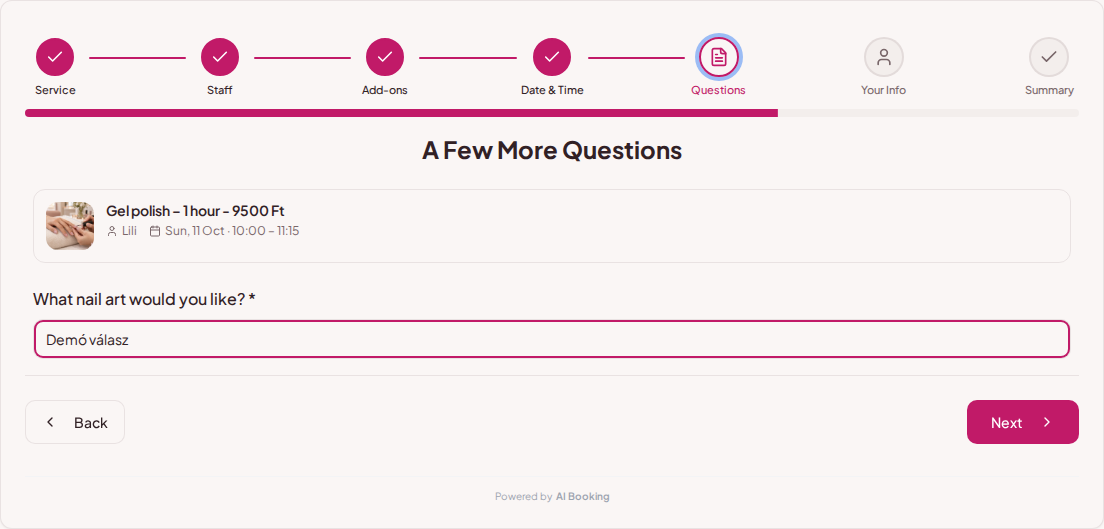
Get the important answers in advance

Ask whether existing gel polish needs removing or which nail art the customer wants. The booking page shows optional extras and collects required answers.

Try booking
Online booking for nail salons – Nail art preferences entered in the booking question fieldOnline booking for nail salons – Nail art preferences entered in the booking question field

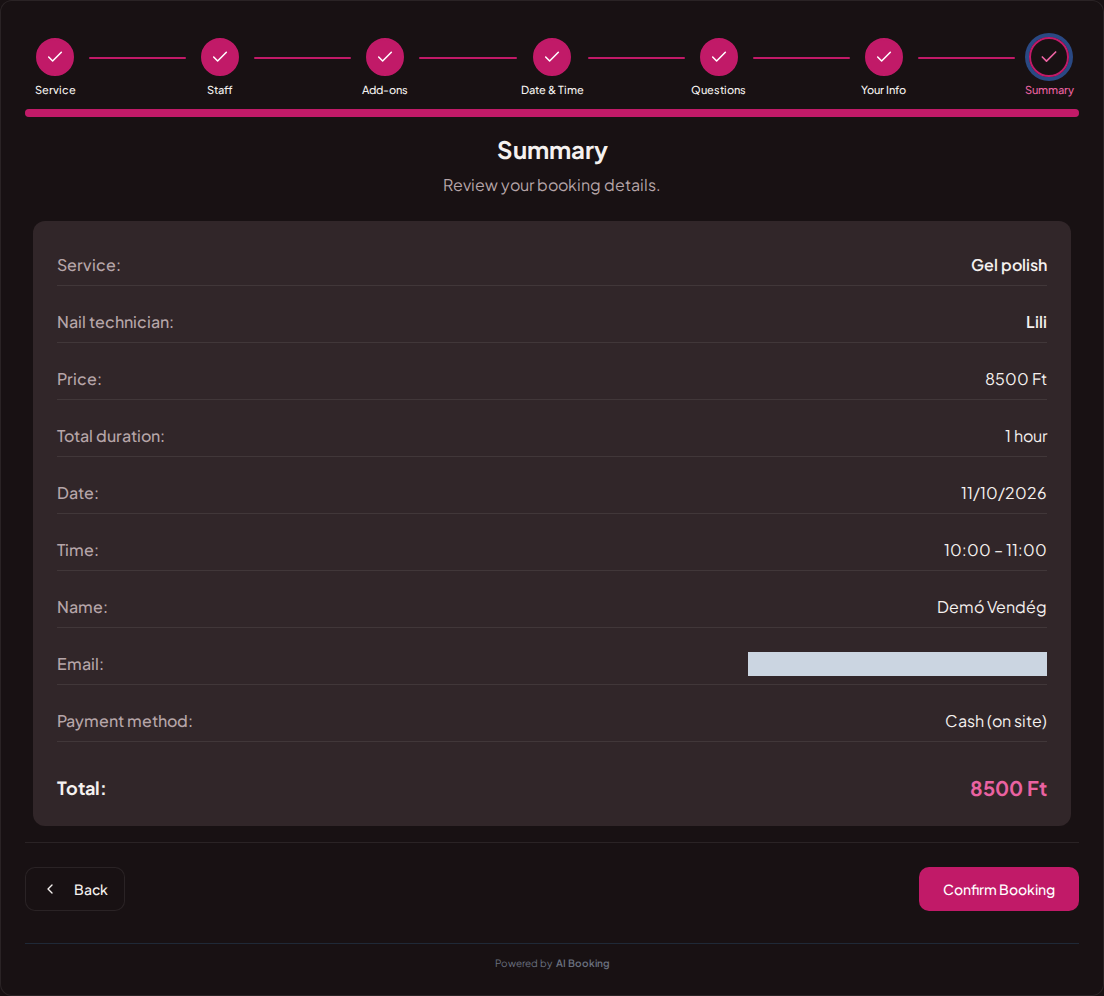
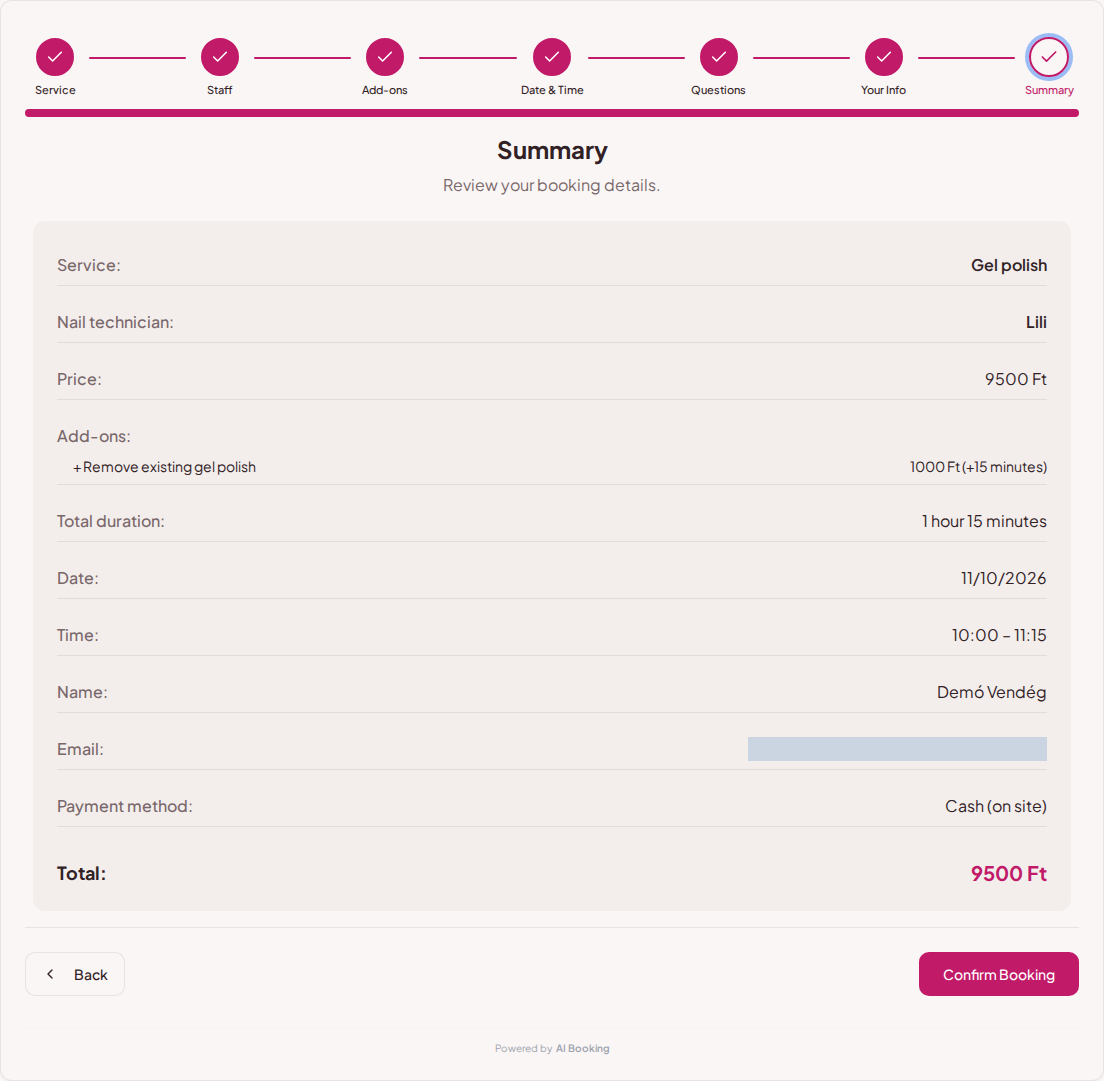
A clear summary before confirmation

Customers see the treatment, time, selected extras and total price. With several staff members, they also see who their appointment is with.

Try booking
Online booking for nail salons – Nail treatment booking summary with technician, appointment and total priceOnline booking for nail salons – Nail treatment booking summary with technician, appointment and total price

Online bookings for gel polish, infills and nail extensions

Manicure, gel polish, infills and a new set involve different work. Give each treatment its own price and duration, and explain what it includes. You can offer removal of the previous product as an add-on. When it takes time, that duration is added to the booking: the summary shows the total price and full treatment time.

Booking links on the salon website and Instagram

Guests can open your booking link from the salon website, Instagram bio or Facebook page. They see the same services and available appointments on phones and computers. If there are several nail technicians, they can choose one; the booking uses the public name configured for display. You can also embed the booking interface on your own website.

Returning guests and busy periods

Before holidays, nail extensions and shorter treatments should occupy different amounts of time in your calendar. Set the advance booking window and breaks between treatments. In a real account, enabled reminders help guests prepare, while your own policy and deadlines determine whether they can cancel or reschedule.

Set up your own booking page

1

Add your services

Set prices, durations and the questions needed for each booking.

2

Set up your calendar

Choose your working hours and leave time between customers.

3

Share your booking link

Add it to your website or social profile. You can also embed the booking page.

4

Keep track of bookings

Customers choose their time; you see all booking details in one place.

Frequently asked questions

Can gel polish and extensions have different durations?

Yes. Set a duration for each service and leave breaks between appointments.

Can I ask whether existing gel polish needs removing?

Yes. Add a question or an extra service and make the answer required.

Can customers choose their nail technician?

With several staff members, set which services each person offers. Their public name can also appear in the summary.

Does the demo create an actual appointment?

No. It ends on a demo page without reserving a time, saving data or sending notifications.

What kind of business do you run?

See your booking page through your customer's eyes

Try the full demo, then set up your own services and calendar.

Manage bookings anywhere with the mobile app

AI Booking Partner keeps your calendar, bookings and customer contact details close at hand. Check the next appointment, review booking details or contact a guest from your phone. You can approve or edit bookings according to your permissions. Use the same provider account on Android and iPhone.

Talk to our AI assistant — wherever suits you

The same helpful assistant answers on the web and in messaging apps, around the clock. Ask about pricing and features, or try the booking demo live!