Feature
Booking widget so your website actually generates bookings
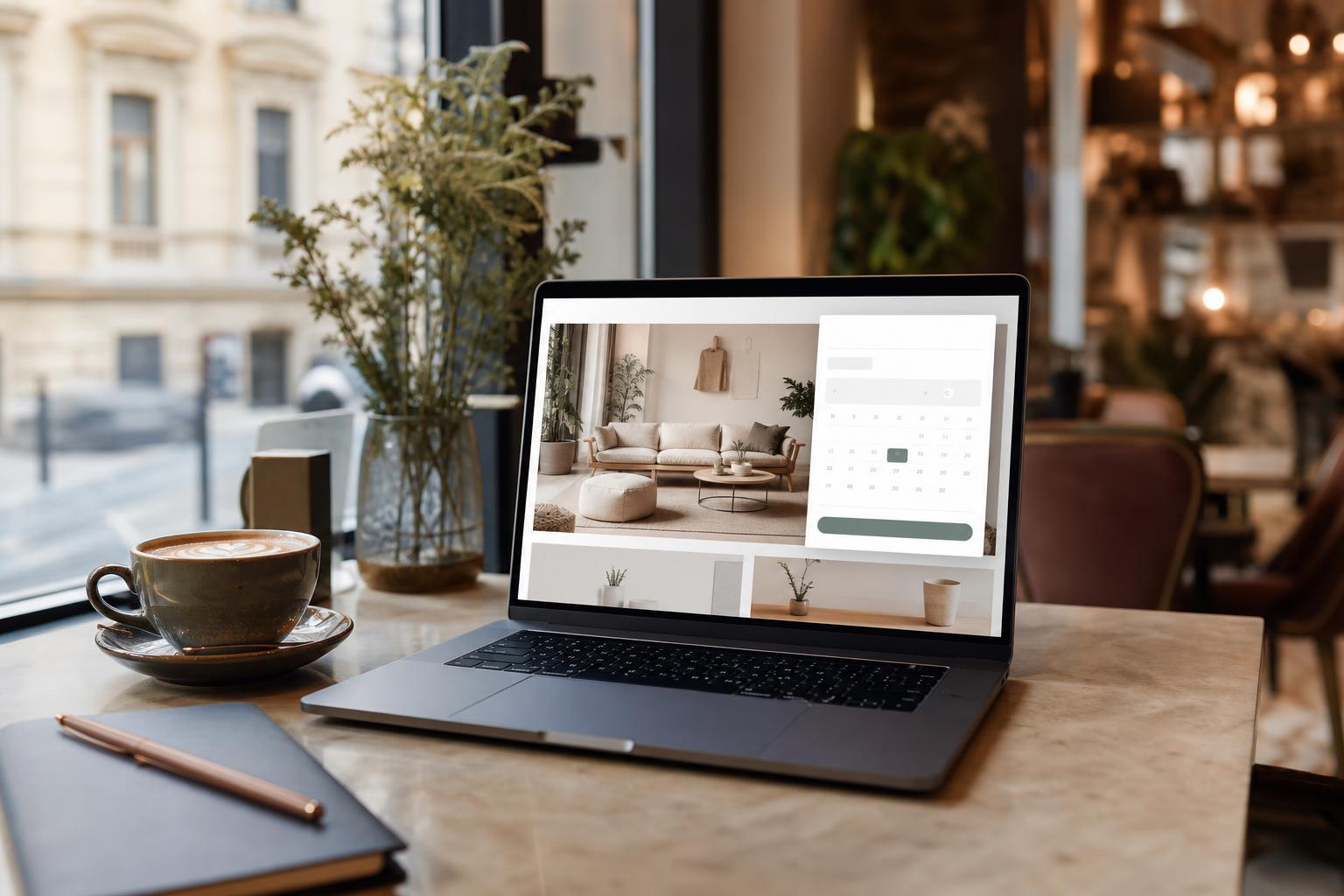
With the booking widget, you can embed the entire booking process into your own website, turning a visitor into a booked appointment in one step. AI Booking offers 3 widget types (booking, reviews, staff), with iframe-based or script-based embedding, automatic height adjustment (postMessage), a WordPress shortcode, and theme parameters (light/dark, custom color, font, language).
What does this mean in practice?
Picture an average day with AI Booking running in the background. In the morning, before you've even walked into your business, the first booking has already happened: a returning guest picked a time slot on their phone at 7:42am and received an automatic confirmation email. Your calendar has updated, and all you do is glance at your phone over breakfast to see what's waiting for you that day. The booking widget, so your website actually generates bookings, was built exactly to give you this peace of mind: 3 widget types: booking, reviews, staff, iframe + script-based embedding for any website, and a WordPress shortcode for plug-and-play installation — all without you having to sit by your phone all day.
While you're working, guests don't interrupt you with urgent calls, because your online booking page is available 24/7. In the afternoon, when you check back in, you review the incoming bookings, cancellations, and payments in a few minutes — and importantly, everything is organized, searchable, and exportable. The guest registry remembers what each person liked last time, so at their next booking you already know exactly what to prepare. Weekly statistics show you the trends: is revenue growing, how many new guests arrived, and which service is most in demand.
In the evening, when you close up the workshop or salon, you no longer need to keep a paper diary or send follow-up emails. AI Booking automatically sends tomorrow's reminders (and, in the Basic/Pro plan, the SMS messages), updates Google Calendar, and prepares the monthly statistics. Your job remains the professional part — the system takes over the booking administration.
Key Benefits
Iframe + script-based embedding for any website
WordPress shortcode for plug-and-play installation
Theme parameters: light/dark, color, font, language
Automatic height adjustment (responsive postMessage)
How to use it in 3 steps?
- 1
Registration and basic settings
The first step is registration without a bank card (the Pro plan is free until December 31, 2026) — all you need is an email address or a Google account sign-in. The onboarding wizard walks you through your account basics (business name, contact, booking URL), then you set up your services: name, duration, price, description. Can be activated: 3 widget types: booking, reviews, staff. Your booking page is then already live, and your guests can book right away — with an average setup time of 15-30 minutes.
- 2
Working hours, calendar and notifications
In the second step, you set your working hours (weekly, daily, exceptions, time off), and connect your Google Calendar so your private events also block booking slots. You choose which email templates are active (confirmation, reminder, follow-up) and when they go out (e.g. 24 hours before). Basic and Pro plans let you add SMS reminders too. Can be activated: Iframe + script-based embedding on any website. This way your guests receive an automatic confirmation in your own branding.
- 3
Sharing the link and daily use
The third step is sharing your booking link: Instagram bio, Facebook post, business card QR code, an embeddable booking form on your website, or a WordPress shortcode. From here, the system works automatically: A WordPress shortcode for plug-and-play installation. All you do is check your mobile admin dashboard each morning (installable from your mobile browser), see the day's bookings, confirm them, and at month's end export the invoices to Billingo or Számlázz.hu. The statistics module shows how your business is growing.
0 double bookings
with Google Calendar's two-way sync and built-in conflict checking, double bookings are practically eliminated. This is the typical outcome when private calendars are also set up as a shared source.
How does it fit with the other features?
What does the booking widget offer?
The booking widget is a mobile-friendly booking interface embedded in an iframe, which runs on your own website, but the data is stored in AI Booking. The guest never leaves your website, so conversion is higher. The widget automatically adjusts to the width of the embedding page, and its height changes dynamically.
How do you embed it?
AI Booking generates an iframe HTML code that you can paste into your website. On WordPress sites, you can use the official shortcode. With a single line of code, the booking process is immediately available. The embed code is based on 17 public /api/embed/* endpoints, and embed-loader.js automatically handles the sizing.
3 widget types
Booking widget — the entire booking process (service selection, time slot, guest details, optional payment). Reviews widget — displays guest reviews with a star rating. Staff widget — a list of staff members with portraits and introductions, if you have multiple team members. All three can be embedded separately.
Theme and customization
With theme parameters (theme=light/dark, color=#hex, font, language=hu/en) you can customize the widget to blend in with your website. If your website is dark, the dark theme is better. Custom color for your business's brand identity. Hungarian or English language can be selected.
Mobile-optimized
The widget is fully mobile-friendly and optimized for touchscreens. The booking process is broken into steps, the keyboard never covers input fields, and height auto-adjustment means no unnecessary scrolling.
Frequently asked questions
Which platforms can it be embedded on?
On any HTML page where you can insert an iframe: WordPress, Wix, Webnode, Webflow, Squarespace, your own HTML/PHP page, Shopify, and many more. There's also an official shortcode for WordPress.
Do I need a WordPress plugin for embedding?
No, the embed code works either as a WordPress shortcode or as a simple HTML iframe. No separate plugin is needed.
Is the widget optimized for mobile?
Yes, the widget is fully mobile-friendly, optimized for touchscreen use. Thanks to automatic height adjustment there's no unnecessary scrolling, and the keyboard doesn't cover the input fields either.
Can I change the widget's color?
Yes, with theme parameters (theme=light/dark, color=#hex) the widget's appearance can be matched to your site's design. In the Pro plan, custom CSS injection is also possible if you know frontend.
Are both Hungarian and English supported in the widget?
Yes, it can be set with the language=hu or language=en parameter. The AI-based multilingual translation also handles additional languages.
Where is the data stored?
Booking data is stored on AI Booking's servers, within the EU (Hungarian VPS), in GDPR-compliant fashion. The widget is only a display layer — it doesn't store anything on your own website.
Can there be multiple widgets on one page?
Yes, any number of widgets can be embedded on the same page. For example, the homepage could have a quick booking widget, a reviews widget below it, and a separate page for your staff. All three work independently.
What does it look like on the inside?


Try AI Booking
Register without a bank card — the Pro plan is free until December 31, 2026. Set up your services and share your booking link — your first online booking could arrive today.