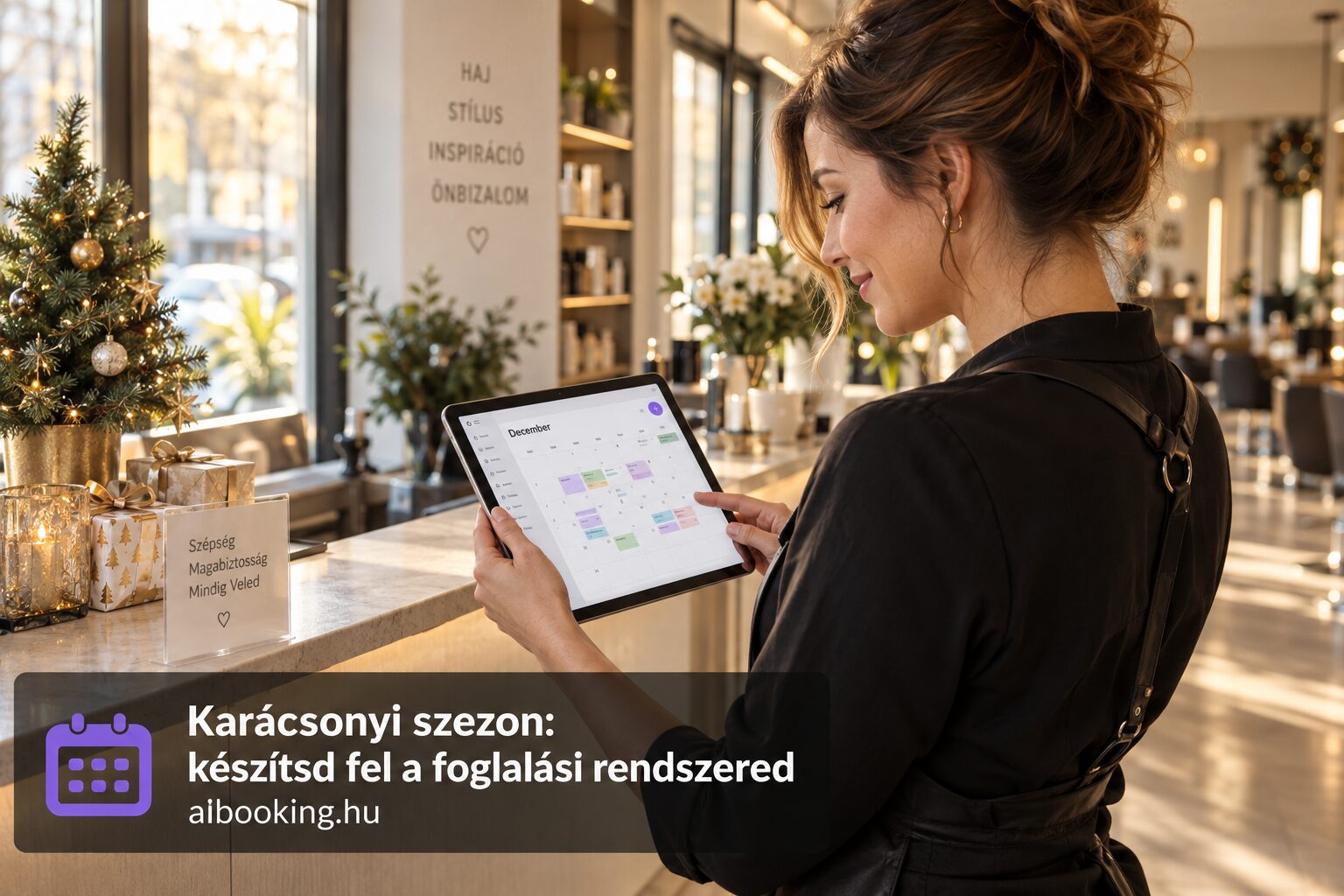
If your bookings come from multiple places — phone, Messenger, in person, and your online booking system — it's easy to accidentally promise the same time slot to two guests. Double booking is one of the most awkward situations: you have to cancel on one of them, explain yourself to the other, and your professional reputation takes a hit in the process.
The solution is simple: keep all your appointments in one place. Ha az online foglalási rendszered szinkronban van a Google Naptáraddal, nem kell fejben tartanod, mi hol van — mindkét felületen ugyanazt látod.
What is Google Calendar sync and why does it matter?
Google Calendar sync means that bookings created in AI Booking automatically appear in your Google Calendar too. You don't have to type it in manually, don't have to copy anything — the appointment is in your calendar the moment it's booked, with the guest's name and service details.
This is important because most service providers use Google Calendar (or the iPhone's built-in calendar, which also syncs with Google) for daily planning. If bookings are automatically added here, you'll see everything in one place:
- Online bookings from AI Booking
- Manually recorded appointments (e.g. phone bookings)
- Your personal appointments (doctor, school events, private time)
This way it can't happen that you write in a returning guest for 3pm over the phone, while someone else has already booked the same slot online in AI Booking.
How do AI Booking and Google Calendar work together?
After connecting, bookings made in AI Booking automatically appear in your Google Calendar as calendar events. Each event includes:
- The guest's name — so at a glance you can see who's coming
- The name of the service — e.g. "Women's haircut + blow-dry" or "Relaxation massage 60 minutes"
- The exact duration — the event lasts exactly as long as you set for the service
- The guest's contact details — email and/or phone number in the note
This means that in the morning you open Google Calendar on your phone and immediately see today's schedule — without having to log in separately to the AI Booking admin panel.
Step-by-step setup
Setting up Google Calendar sync in AI Booking takes just a few minutes:
- Log in to the AI Booking admin interface and navigate to the Settings into the menu.
- Find the Google Calendar sync option among the integrations.
- Click the "Connect" button — this redirects you to Google login, where you grant access.
- Choose which calendar your bookings should go into — you can use your primary calendar, or create a separate "Bookings" calendar.
- Save the settings — done, from now on new bookings will automatically appear in your calendar.
Tip: If you use a separate calendar for bookings, you can set up color coding in Google Calendar. This way bookings appear in, say, purple, and private events in blue — so you can instantly see what's work and what's personal.
Who benefits especially?
Hairdresser, beautician, nail technician: With 8-12 appointments a day, you can easily lose track, especially if bookings also come by phone. The sync helps you not have to keep every appointment in your head — and if someone requests a time by phone, you can immediately see in Google Calendar what's free.
Photographer: Photoshoots are often several hours long and fall on weekends. If your personal commitments (family lunch, friends, rest) are also in Google Calendar, the sync helps you avoid taking on a photoshoot for a day that's already booked — and vice versa.
Massage therapist, physiotherapist: If you work at multiple locations (your own practice + hotel + home treatments), Google Calendar sync shows all bookings in one place, regardless of where they came from.
Yoga instructor, personal trainer: Mixing individual sessions with group classes results in a particularly complex calendar. Syncing helps ensure that no individual booking overlaps a group class time — and vice versa.
Doctor, therapist, consultant: Precise calendar management is especially important in healthcare and mental health. When a patient or client books online, the appointment appears in your calendar instantly — no assistant needs to enter it manually.
Typical mistakes you can avoid with syncing
1. Double booking from different channels. The guest books online for 3 pm, while you meanwhile schedule someone else at the same time by phone. If Google Calendar is synced, you can instantly see that slot is already taken while booking by phone.
2. A forgotten private event. You wrote down the doctor's appointment for Thursday morning, but forgot about it when the guest asked for that time slot. If everything is in one calendar, this can't happen.
3. Errors of manual copying. Someone copies AI Booking's bookings into the calendar daily — but mistypes the time, skips one, or doesn't update a cancellation. Automatic sync eliminates human error.
4. "I thought it was free." If you have multiple calendars (personal, work, family) and bookings only show up in AI Booking, it's easy to forget an appointment. The sync ensures that see everything in one place.
Frequently asked questions about Google Calendar sync
Does it work with iPhone Calendar too?
Yes. If your Google account is set up on your iPhone, Google Calendar events will also appear in the built-in Calendar app. So your AI Booking reservations will be visible there too.
What happens if the guest cancels the booking?
When a booking is cancelled, the calendar event is deleted or updated — so your calendar always reflects the current status.
Can I sync multiple calendars?
AI Booking writes bookings to a selected calendar. If you have multiple calendars (e.g. personal and work), choose the one you use for daily planning.
Does it slow down the booking process?
No. The sync happens in the background — the guest doesn't notice anything, and the time slot can be booked immediately.
Is it available in the free plan too?
Yes. Google Calendar sync is also part of AI Booking's free plan — you can use it for free for up to 30 bookings per month.
Summary
Google Calendar sync isn't a luxury feature — an essential tool for preventing double bookings. Ha minden időpontod egy helyen van, nem fordulhat elő, hogy két vendégnek ígéred ugyanazt az időt. A beállítás percek kérdése, és utána automatikusan működik.
If your calendar is already synced, it's worth turning on the other automations too: the with automatic reminders you can reduce the no-show rate, and the online payment and deposit and with this feature you can filter out unserious bookings. If you also want to make booking simpler for your guests, embed the booking widget on your website.
Try AI Booking
14-day free trial, no credit card required. Google Calendar sync, automatic reminders, booking widget — all in one place, in Hungarian. Hungarian-language interface, Hungarian invoicing, Hungarian customer support.
Start free trial →